
Heat Sink for SSD?
- Yongxing
- 14 Apr ,2026
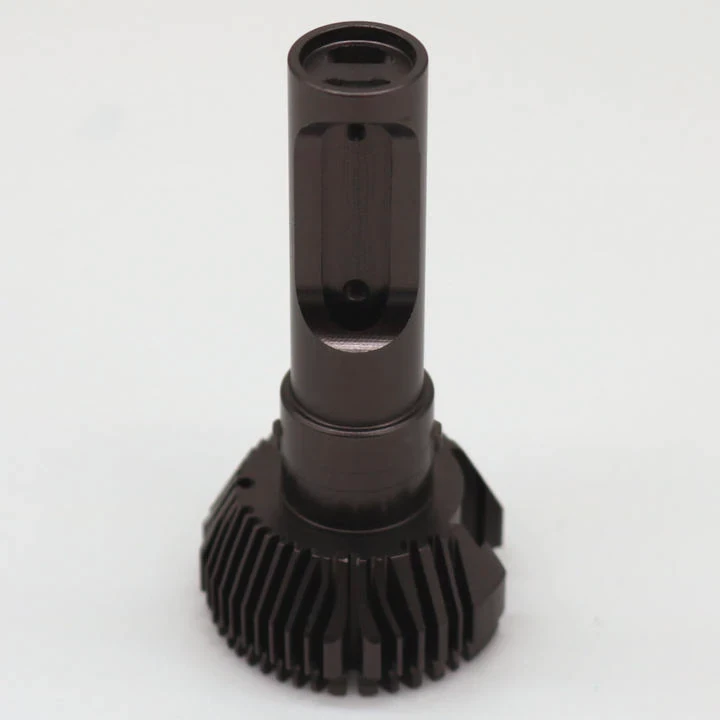
Data moves fast, but heat builds faster. Many SSD users face sudden slowdowns and do not know why. Heat is often the hidden problem.
An SSD heat sink helps control temperature, keeps performance stable, and extends lifespan by reducing thermal throttling during heavy workloads.
Many people ignore SSD cooling until speed drops. In this guide, the key points about SSD heat sinks are broken down in a simple and clear way.
How does an SSD heat sink help?
Heat builds up quickly when SSDs run at high speed. This heat can slow down performance and even damage parts over time.
An SSD heat sink absorbs and spreads heat away from the controller and NAND chips, keeping temperatures lower and performance stable.
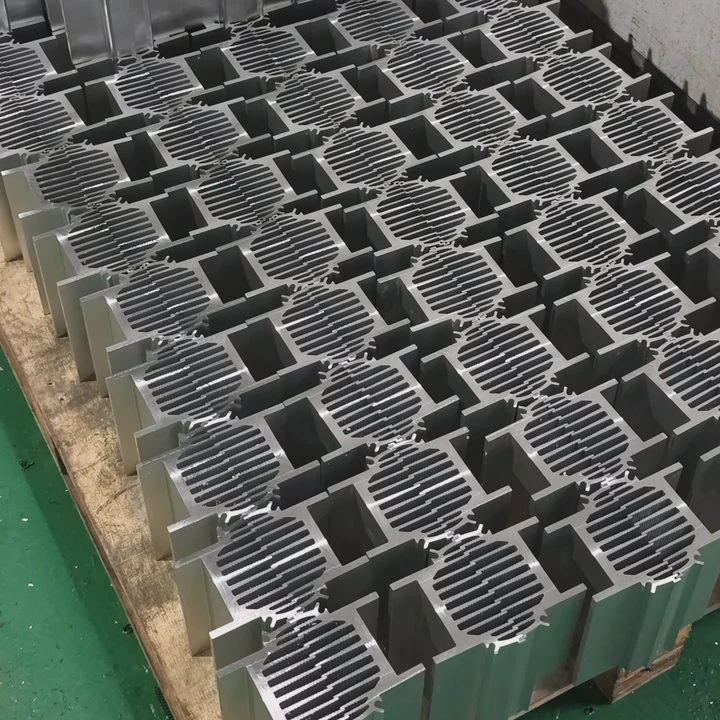
When an SSD works under load, the controller chip becomes the hottest part. This chip manages data flow, and it works hard during tasks like gaming, file transfer, or video editing. As heat increases, the SSD triggers thermal throttling. This means the speed drops to protect the hardware.
How heat sinks manage heat
A heat sink works through simple physical principles:
- It increases surface area
- It transfers heat away from hot components
- It allows airflow to carry heat away
Most SSD heat sinks are made from aluminum or copper. Aluminum is light and cost-effective. Copper has better thermal conductivity but is heavier and more expensive.
Heat transfer process
The process can be broken down into steps:
| Step | Description |
|---|---|
| Heat generation | SSD controller produces heat |
| Heat absorption | Thermal pad transfers heat to heat sink |
| Heat spreading | Heat spreads across fins or surface |
| Heat dissipation | Airflow removes heat |
Why this matters in real use
In real projects, stable temperature means stable speed. For example, during continuous data writing, an SSD without a heat sink may drop from 7000 MB/s to below 2000 MB/s. That is a major loss.
With a heat sink, the SSD can maintain higher speeds for a longer time. This is critical in:
- Data centers
- Industrial systems
- Gaming PCs
- Video production setups
A practical observation
In one project, a high-speed NVMe SSD was tested under continuous load. Without a heat sink, temperature reached 85°C within minutes. After adding a simple aluminum heat sink, the temperature dropped by over 20°C, and performance stayed consistent.
This shows that even a basic heat sink can make a big difference.
Why do SSDs need cooling solutions?
Many people think SSDs do not need cooling because they have no moving parts. This is not correct.
SSDs need cooling because high-speed data processing generates significant heat, which can reduce performance and shorten lifespan.
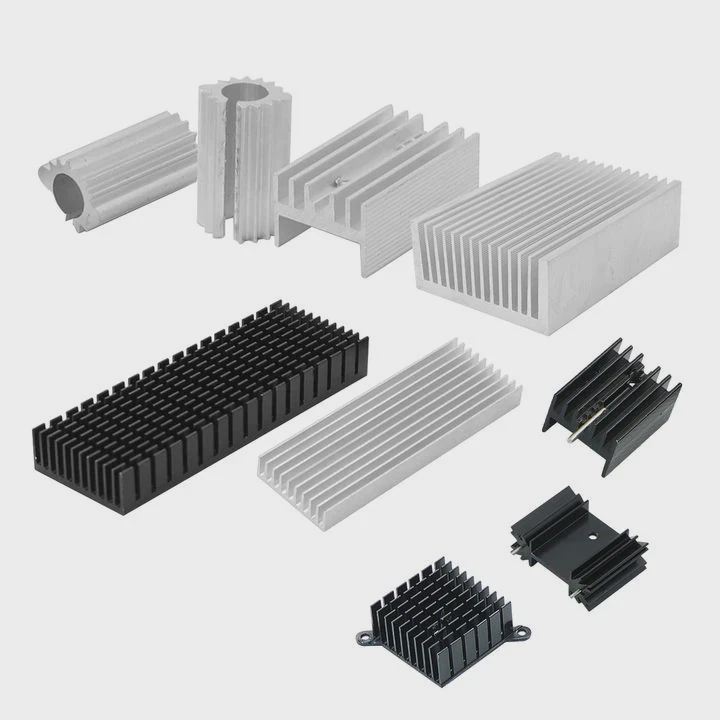
Modern SSDs, especially NVMe drives, are designed for extreme speed. PCIe Gen4 and Gen5 SSDs can reach very high data rates. However, higher speed means higher power consumption, and that leads to more heat.
Main sources of heat in SSDs
There are three main heat sources:
| Component | Heat Level | Reason |
|---|---|---|
| Controller | Very High | Handles all data processing |
| NAND Flash | Medium | Stores and reads data |
| DRAM Cache | Medium | Buffers data |
The controller is the biggest heat producer. It acts like the brain of the SSD.
What happens without cooling
When SSD temperature rises too high, several problems occur:
1. Thermal throttling
The SSD reduces its speed to lower temperature. This protects the hardware but hurts performance.
2. Data instability
High temperature can increase error rates in NAND memory.
3. Shorter lifespan
Heat accelerates wear in electronic components.
Temperature ranges
Here is a simple guide:
| Temperature | Condition |
|---|---|
| 30–50°C | Normal operation |
| 50–70°C | Warm but safe |
| 70–85°C | Risk of throttling |
| 85°C+ | Critical |
Why cooling is more important today
Older SATA SSDs generated less heat. But modern NVMe SSDs are different:
- Higher bandwidth
- More compact design
- Higher power density
This means heat builds faster and has less space to escape.
Real-world applications
Cooling becomes critical in:
- AI computing systems
- High-frequency trading systems
- Edge computing devices
- Industrial control units
In these environments, performance stability is not optional. It is required.
A simple insight
Many users upgrade to faster SSDs but forget cooling. This creates a bottleneck. The SSD cannot perform at its full potential because it overheats.
Cooling is not an accessory. It is part of the system design.
Where is an SSD heat sink installed?
Many users are unsure where the heat sink should go. Incorrect installation reduces its effectiveness.
An SSD heat sink is installed directly on top of the SSD chips, usually covering the controller and NAND, with a thermal pad in between.
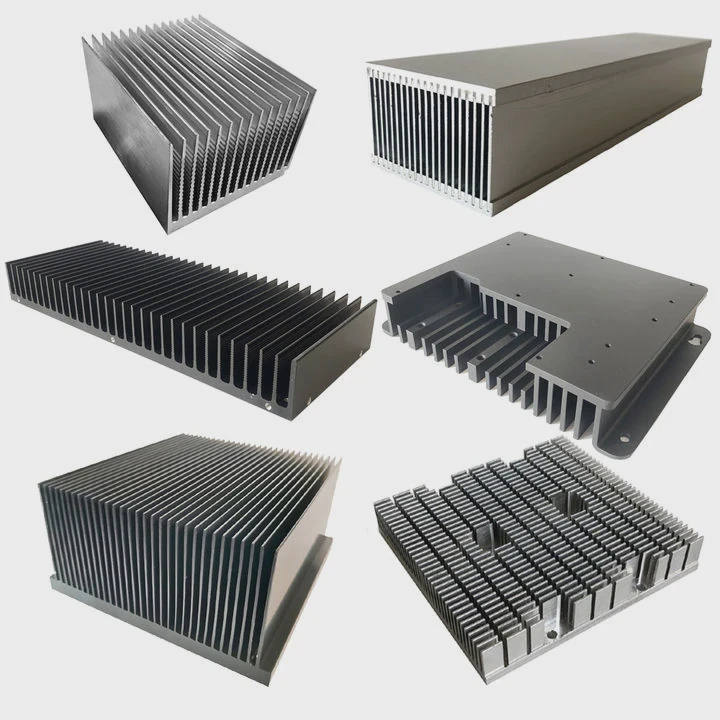
The placement is simple but important. The heat sink must make good contact with the SSD surface.
Standard installation position
The heat sink is placed:
- On top of the SSD PCB
- Directly over the controller chip
- Covering NAND chips if possible
Key installation components
| Component | Function |
|---|---|
| Thermal pad | Transfers heat from SSD to heat sink |
| Heat sink body | Spreads heat |
| Clips or screws | Hold heat sink in place |
Step-by-step installation
- Clean the SSD surface
- Apply thermal pad
- Place heat sink on top
- Secure it firmly
Common installation mistakes
Poor contact
If the thermal pad does not touch the controller properly, heat transfer fails.
Wrong thickness pad
Too thick or too thin pads reduce efficiency.
Blocking airflow
A large heat sink without airflow can trap heat instead of removing it.
Different installation environments
Motherboard with built-in heat sink
Many modern motherboards include M.2 heat sinks. In this case:
- Use the provided thermal pad
- Remove any plastic film
- Secure properly
Standalone heat sink
Used when the motherboard has no cooling solution.
Industrial systems
Custom heat sinks may be integrated into the chassis for better thermal management.
Design consideration
In high-performance systems, heat sink design is not random. It considers:
- Airflow direction
- Space constraints
- Heat load
A practical case
In one embedded system, space was very limited. A low-profile heat sink was designed with optimized fins. Even with limited airflow, it reduced temperature by 15°C.
This shows that correct placement and design matter more than size alone.
Which SSDs benefit from heat sinks?
Not all SSDs need a heat sink, but many do. The need depends on speed, workload, and environment.
High-performance NVMe SSDs, especially PCIe Gen4 and Gen5 models, benefit the most from heat sinks due to higher heat output.
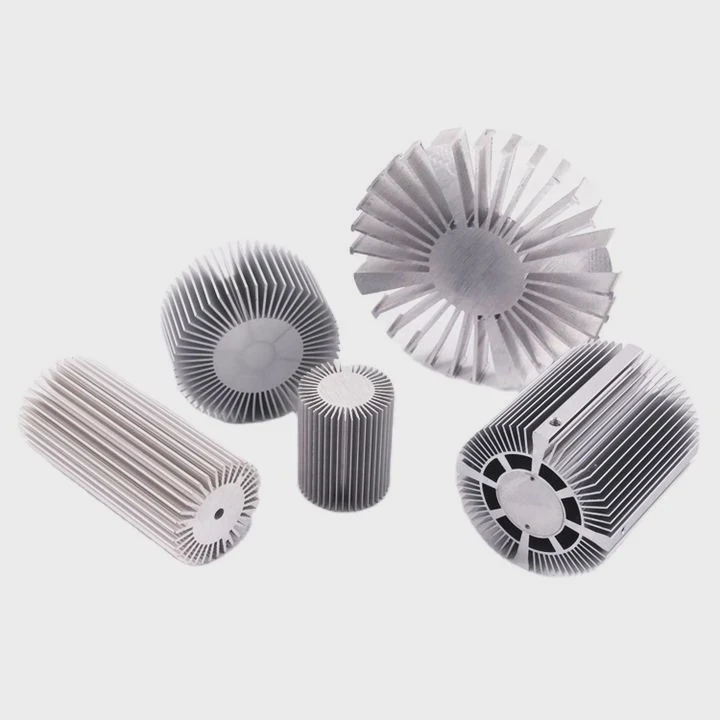
SSD types and cooling needs
| SSD Type | Need Heat Sink? | Reason |
|---|---|---|
| SATA SSD | Rarely | Low speed, low heat |
| NVMe Gen3 | Sometimes | Moderate heat |
| NVMe Gen4 | Yes | High speed, high heat |
| NVMe Gen5 | Strongly Yes | Extreme heat output |
Workload impact
Even the same SSD behaves differently under different workloads.
Light use
- Web browsing
- Office work
Heat is low. A heat sink may not be necessary.
Heavy use
- Gaming
- 4K video editing
- Large file transfer
Heat builds quickly. A heat sink becomes important.
Environment factors
Poor airflow
Small cases or compact systems trap heat.
High ambient temperature
Industrial or outdoor environments increase baseline temperature.
Continuous operation
Servers and workstations run for long hours.
Key benefit scenarios
Gaming PCs
Fast loading times depend on sustained SSD speed.
Workstations
Video editing and rendering push SSDs to their limits.
Data centers
Reliability and stability are critical.
When a heat sink is not needed
- Low-speed SATA SSD
- Intermittent usage
- Well-cooled system
When it is strongly recommended
- PCIe Gen4/Gen5 SSD
- High workload systems
- Enclosed environments
A simple rule
If the SSD is fast and used heavily, it needs cooling.
A real-world note
In one storage upgrade project, a Gen4 SSD without a heat sink showed unstable performance. After adding a custom aluminum heat sink, performance became stable and predictable.
This kind of improvement is common and easy to achieve.
Conclusion
SSD heat sinks are simple but powerful. They reduce heat, prevent throttling, and keep performance stable. As SSD speeds increase, proper cooling becomes essential for reliable and efficient systems.




