
Heat sink for CPU?
- Yongxing
- 14 Apr ,2026
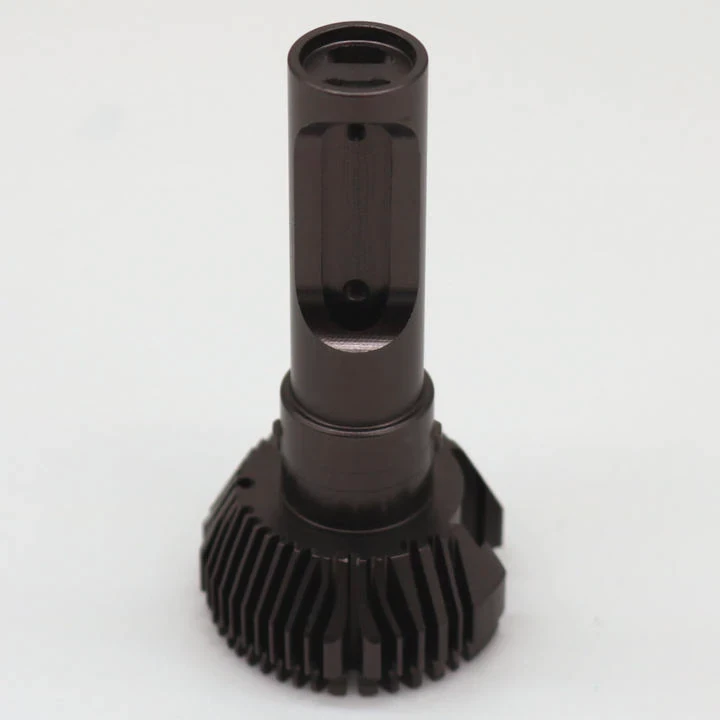
Overheating ruins performance fast. Many systems fail because cooling is ignored. That problem grows with high-power CPUs. Most users notice it only after damage starts.
A CPU heat sink removes heat from the processor and keeps it within safe limits. It protects performance, extends lifespan, and prevents thermal throttling during heavy workloads.
Cooling looks simple at first. But once real workloads begin, heat rises quickly. That is where the right heat sink makes a clear difference.
How to choose a CPU heat sink?
Choosing the wrong heat sink often leads to noise, overheating, or wasted cost. Many users focus only on size or price. That approach usually fails under real load.
A good CPU heat sink should match thermal load, socket type, airflow design, and system size. The right balance ensures stable cooling, low noise, and long-term reliability.
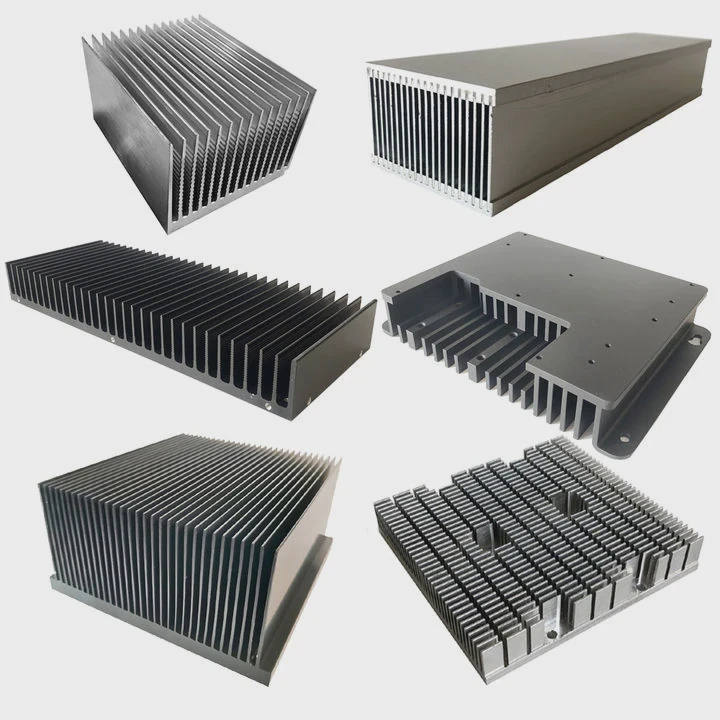
When selecting a CPU heat sink, several factors need attention. Each one affects cooling performance and system stability.
Key factors to consider
| Factor | Why it matters | What to check |
|---|---|---|
| Thermal Design Power (TDP) | Defines heat output | Match heat sink rating with CPU |
| Form Factor | Impacts compatibility | Check case size and clearance |
| Material | Affects heat transfer | Aluminum vs copper vs hybrid |
| Airflow | Controls heat dissipation | Fan size and direction |
| Mounting system | Ensures stability | Socket compatibility |
Material selection
Aluminum heat sinks are lightweight and cost-effective. They work well for mid-range CPUs. Copper heat sinks offer better thermal conductivity. They are suitable for high-performance or overclocked systems.
Many modern designs use hybrid structures. These combine aluminum fins with copper heat pipes. This design balances cost and performance.
Heat pipe importance
Heat pipes move heat away from the CPU quickly. Without them, heat stays concentrated. That reduces efficiency.
A typical structure includes:
- Base plate (contacts CPU)
- Heat pipes (transfer heat)
- Fin stack (dissipates heat)
More heat pipes usually mean better performance. But design quality matters more than quantity.
Air vs liquid cooling
Air cooling is simple and reliable. It works for most systems. Liquid cooling offers higher efficiency. But it requires more setup and maintenance.
For most users, a well-designed air heat sink is enough. For extreme workloads, liquid systems provide extra margin.
Real-world selection logic
In real projects, thermal margin matters more than theoretical numbers. A heat sink should not just match TDP. It should exceed it.
This creates safety under:
- High ambient temperature
- Continuous workload
- Dust accumulation over time
A slightly oversized heat sink often delivers better long-term results.
Why is cooling critical for CPUs?
Many users think CPUs can manage heat automatically. That is only partly true. Built-in protection exists, but it comes at a cost.
Cooling is critical because high temperature reduces performance, causes thermal throttling, and shortens CPU lifespan. Stable cooling ensures consistent speed and system reliability.
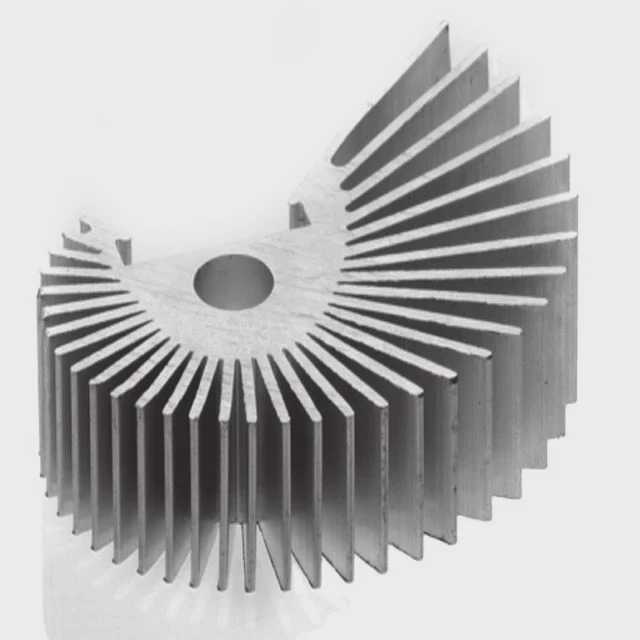
Heat affects CPU performance in direct and measurable ways.
Thermal throttling explained
When temperature rises beyond a threshold, the CPU reduces its speed. This is called thermal throttling.
It protects the chip. But it also reduces performance.
| Temperature Range | CPU Behavior |
|---|---|
| < 60°C | Optimal performance |
| 60–80°C | Stable but warm |
| 80–95°C | Throttling risk |
| > 95°C | Performance drop |
Impact on lifespan
Heat accelerates material degradation. Over time, this leads to:
- Reduced stability
- Increased error rate
- Permanent damage
Electronic components follow thermal aging laws. Higher temperature means faster wear.
Power density challenge
Modern CPUs pack more transistors into smaller areas. This increases power density.
That leads to:
- Higher heat concentration
- Faster temperature spikes
- More demanding cooling requirements
Cooling is no longer optional. It is a core part of system design.
Real-world failure cases
In one project scenario, a system passed initial testing. But under continuous load, temperature rose slowly. After several hours, performance dropped.
The root cause was insufficient heat dissipation. The heat sink matched TDP on paper. But it lacked margin.
This shows a key point:
Cooling design must consider real operating conditions, not just specifications.
Stability and consistency
Stable temperature ensures consistent performance. This is critical for:
- Industrial systems
- Data processing
- Gaming sessions
- AI workloads
Without proper cooling, performance becomes unpredictable. That is a serious issue in professional environments.
Where should a CPU heat sink fit?
Improper installation causes more problems than poor design. Even a high-end heat sink fails if it is not fitted correctly.
A CPU heat sink must sit directly on the CPU surface with even pressure, proper thermal paste, and correct alignment to ensure efficient heat transfer.
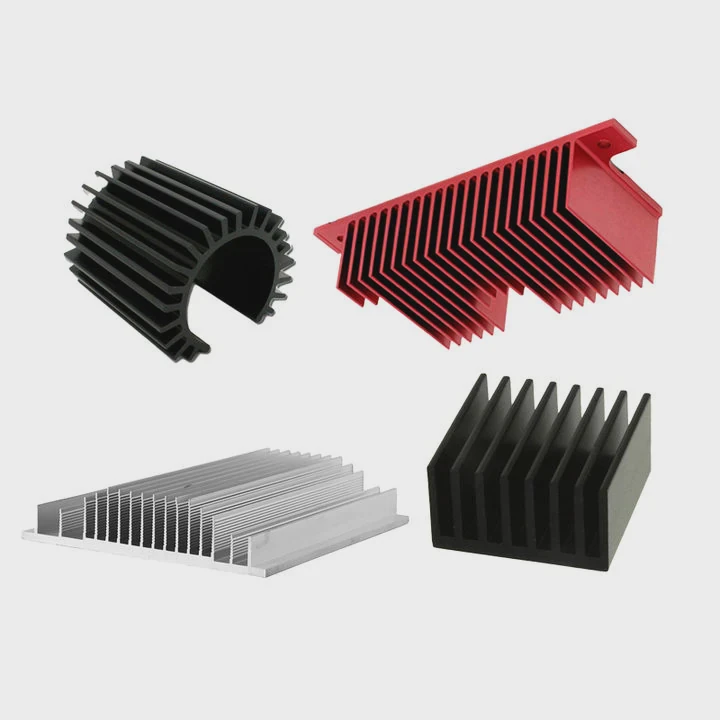
Correct placement ensures heat moves efficiently from the CPU to the heat sink.
Contact surface matters
The base of the heat sink must fully contact the CPU surface. Any gap reduces heat transfer.
Thermal paste fills microscopic gaps. It improves conductivity.
Installation steps
- Clean CPU surface
- Apply thermal paste (small amount)
- Align heat sink
- Secure evenly
- Check pressure distribution
Common mistakes
| Mistake | Result |
|---|---|
| Too much paste | Reduced efficiency |
| Uneven mounting | Hot spots |
| Loose screws | Poor contact |
| Wrong orientation | Airflow issues |
Airflow direction
Heat sinks rely on airflow. The direction must align with case fans.
Typical airflow path:
- Front → intake
- Rear/top → exhaust
The heat sink fan should follow this direction. Otherwise, heat circulates inside the case.
Mechanical compatibility
Different CPUs use different sockets. The mounting system must match:
- Intel sockets
- AMD sockets
Incorrect mounting leads to instability or damage.
Clearance and space
Large heat sinks may interfere with:
- RAM modules
- GPU
- Case panels
Always check dimensions before installation.
Long-term reliability
Over time, vibration and thermal cycles can loosen mounting. A secure design prevents this.
High-quality mounting systems use:
- Backplates
- Spring screws
- Even pressure distribution
These features improve long-term stability.
Which types suit gaming CPUs?
Gaming CPUs generate high and dynamic heat. Standard cooling often struggles under peak load.
Gaming CPUs require high-performance heat sinks such as tower air coolers, liquid cooling systems, or vapor chamber designs to handle sustained high thermal output.
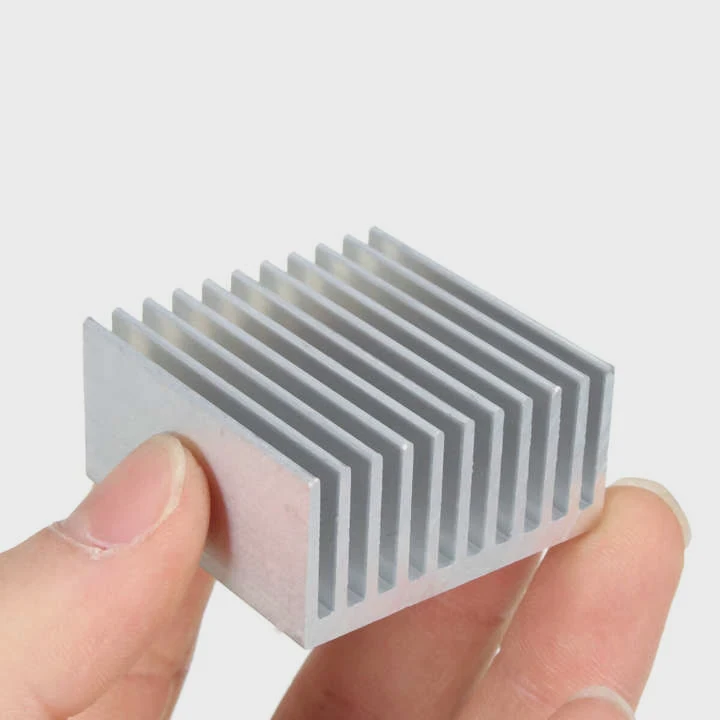
Different cooling types serve different gaming needs.
Main types of CPU heat sinks
| Type | Performance | Use case |
|---|---|---|
| Stock cooler | Low | Basic use |
| Tower air cooler | Medium–High | Gaming and productivity |
| AIO liquid cooler | High | High-end gaming |
| Custom liquid loop | Very high | Extreme systems |
Tower air coolers
These are the most common choice for gamers. They offer:
- Strong cooling performance
- Simple installation
- Lower cost than liquid systems
They use vertical fin stacks and multiple heat pipes.
Liquid cooling systems
Liquid cooling transfers heat more efficiently. It uses:
- Pump
- Radiator
- Coolant loop
Advantages include:
- Better peak performance
- Cleaner internal airflow
However, they require:
- More space
- Higher cost
- Maintenance awareness
Vapor chamber solutions
These are advanced cooling technologies. They distribute heat evenly across a surface.
They are used in:
- High-end CPUs
- Compact systems
They offer fast heat spreading but require precise manufacturing.
Noise vs performance
Gaming systems must balance cooling and noise.
- Larger fans → lower noise
- Higher RPM → better cooling but louder
A good system balances both.
Overclocking considerations
Overclocking increases heat output significantly. This requires:
- Higher capacity heat sink
- Better airflow
- Stable power delivery
Without proper cooling, overclocking becomes unstable.
Real selection strategy
For most gaming builds:
- Mid-range CPU → tower air cooler
- High-end CPU → AIO liquid cooler
- Extreme setup → custom loop
The choice depends on:
- Budget
- Space
- Performance goal
Cooling should always have margin. Gaming loads are unpredictable and often sustained.
Conclusion
A CPU heat sink is not just an accessory. It is a core component. The right choice improves performance, stability, and lifespan. Good cooling design always includes margin and real-world thinking.




