How to Use a Heat Sink?
- Yongxing
- 15 Jun ,2026
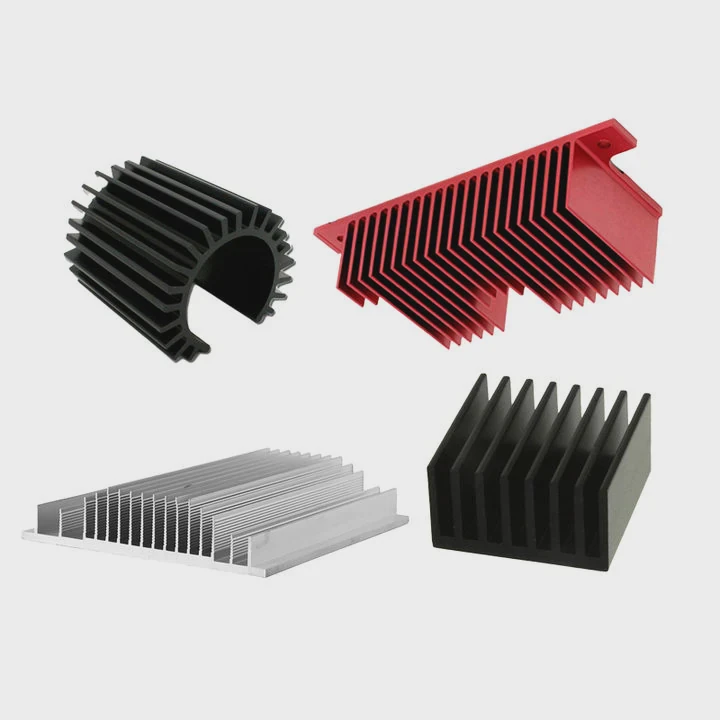
Heat sinks prevent overheating in electronic devices. Proper use ensures components stay cool and perform reliably.
A heat sink absorbs heat from hot parts and spreads it across metal fins. Airflow then removes the heat, keeping devices stable and extending their lifespan.
Using a heat sink correctly is essential for system performance and hardware safety.
What steps ensure proper heat sink usage?
Proper heat sink usage involves preparation, placement, and securing the heat sink. Following steps ensures maximum heat dissipation.
A heat sink must be clean, aligned with the component, and secured with thermal paste or adhesive for effective cooling.
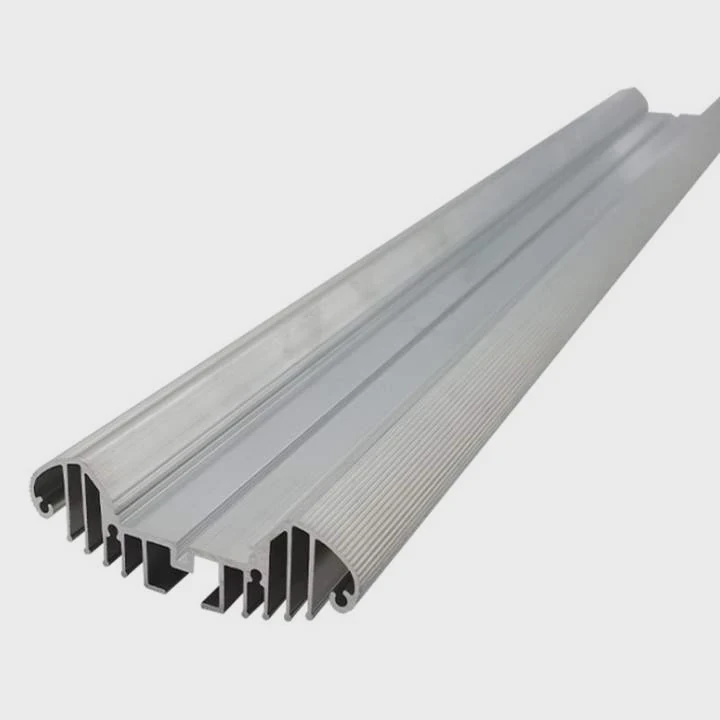
Step-by-step guide
- Clean the component surface: Remove dust or old thermal paste using isopropyl alcohol.
- Apply thermal paste or pad: Spread a thin, even layer to fill gaps between chip and heat sink.
- Align the heat sink: Ensure it covers the full surface of the component.
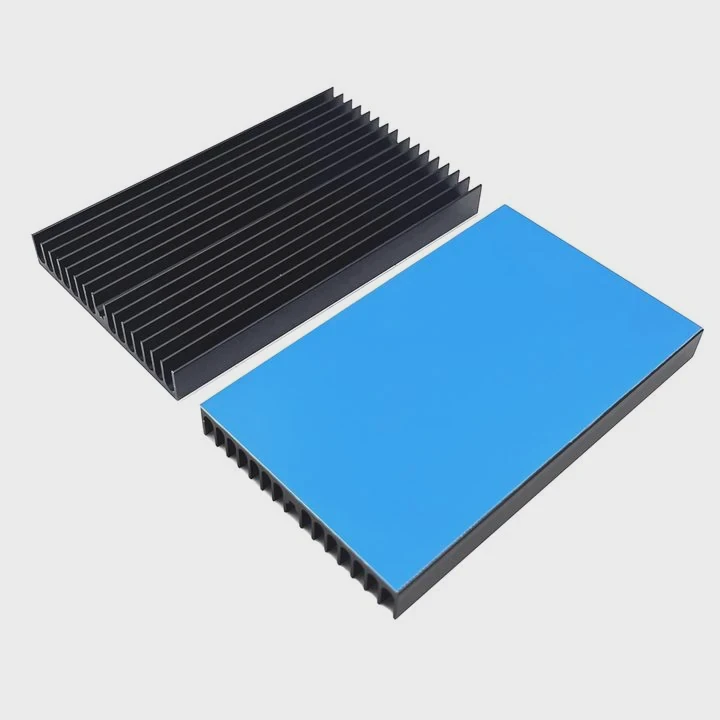
- Secure the heat sink: Use clips, screws, or adhesive pads depending on design.
- Check airflow: Position fans or vents to direct air over the heat sink fins.
Tips for efficiency
- Avoid excessive thermal paste, which can reduce heat transfer
- Ensure full contact with the chip surface
- Double-check for obstructions to airflow
- Regularly clean dust from heat sinks for continued performance
| Step | Action | Purpose |
|---|---|---|
| Clean | Remove dust/old paste | Ensures good contact |
| Apply paste | Thin layer | Improves heat conduction |
| Align | Cover chip fully | Maximizes surface area |
| Secure | Clips or adhesive | Keeps heat sink stable |
| Check airflow | Fans or vents | Enhances cooling efficiency |
Following these steps guarantees that a heat sink works properly, preventing overheating and improving performance.
Why is correct installation important?
Incorrect installation reduces heat dissipation and may cause component damage. Proper installation ensures efficient cooling and stable operation.
A misaligned heat sink or poor contact can lead to thermal throttling, system instability, or permanent hardware damage.
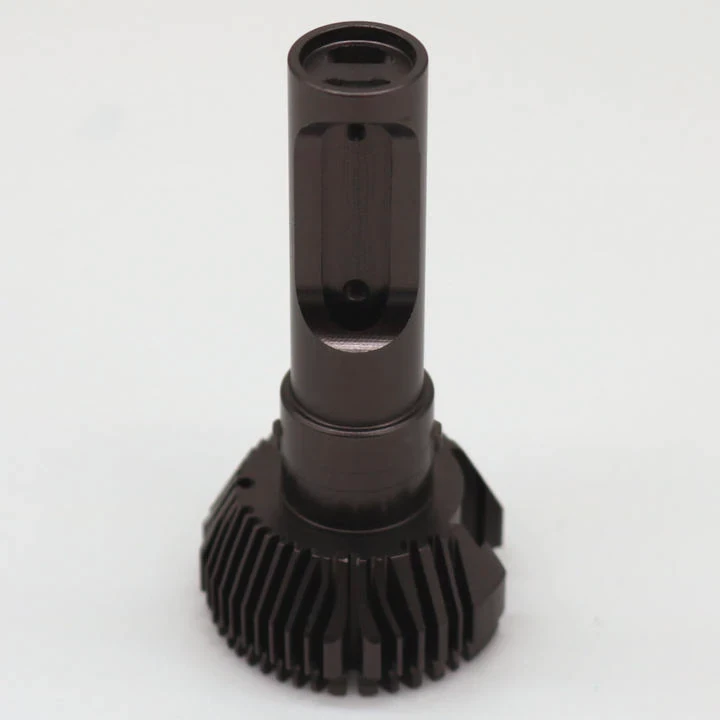
Risks of poor installation
- Component runs hotter than safe limits
- Reduced lifespan of CPU, GPU, or electronics
- Unexpected system shutdowns
- Performance drops due to thermal throttling
Installation factors
- Surface contact: Must cover entire chip for proper conduction
- Thermal interface material: Proper use of paste or pad is essential
- Airflow direction: Heat sinks rely on airflow to carry heat away
- Stability: Loose heat sinks can detach during operation
| Installation Issue | Consequence |
|---|---|
| Misaligned heat sink | Poor cooling, hot spots |
| Excess thermal paste | Reduced heat transfer |
| No airflow | Heat builds up, throttling occurs |
| Loose attachment | Physical damage or detachment |
Correct installation maximizes heat transfer, prevents thermal throttling, and protects devices from long-term damage.
Where should a heat sink be applied?
Heat sinks are applied to components that generate high heat. Common areas include CPUs, GPUs, voltage regulators, and memory modules.
Placement ensures that hot components remain within safe operating temperatures during normal or heavy usage.
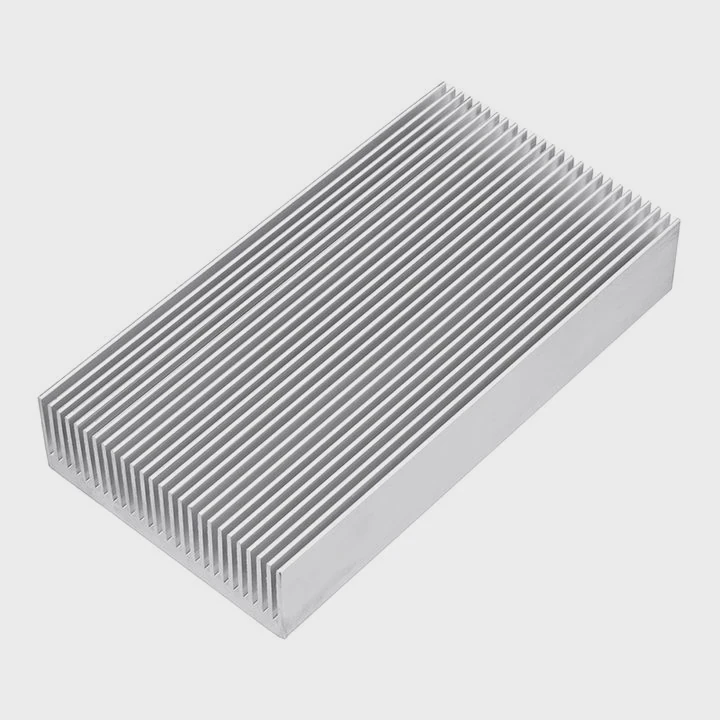
Typical application points
- CPU: The main processor produces the most heat
- GPU: High-power graphics chips
- VRMs / power modules: Voltage regulators on boards
- RAM / memory chips: Only if high-speed modules heat up
- Other ICs: High-power controllers or MOSFETs
Placement guidelines
- Use a heat sink sized for the component
- Avoid covering connectors or pins
- Consider airflow from nearby fans
- For compact boards, ensure heat sinks do not interfere with other components
| Component | Heat Sink Type | Notes |
|---|---|---|
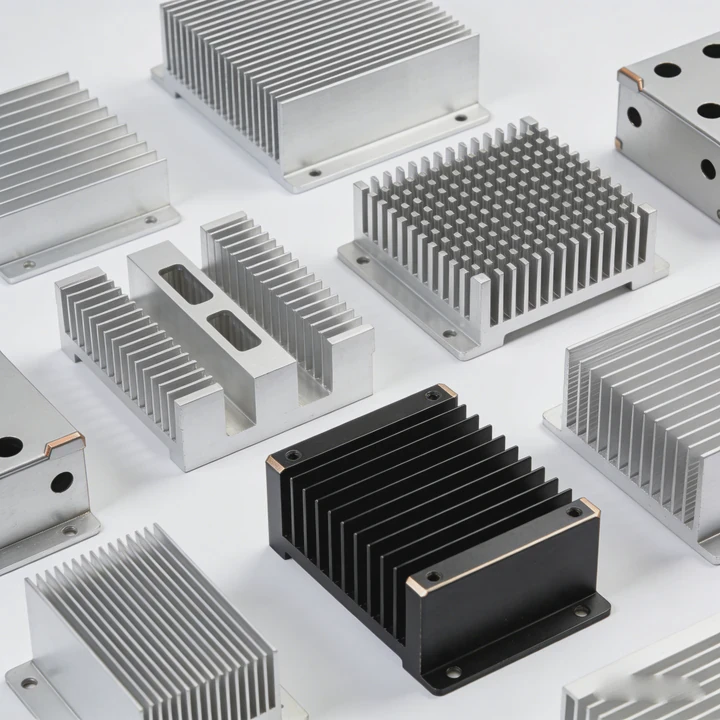
| CPU | Large aluminum/copper fin stack | Main heat source |
| GPU | Copper or aluminum base with fins | Works with fan airflow |
| VRM | Aluminum plate | Stabilizes voltage delivery |
| Memory | Small aluminum plate | Optional for high-speed modules |
| ICs | Small plate | Optional, high-power chips only |
Proper placement allows devices to run at full speed without overheating, protecting performance and longevity.
Which devices require proper heat sink usage?
Any device that produces heat needs heat sink management. Computers, 3D printers, Raspberry Pi boards, and power electronics benefit most.
High-power components such as CPUs, GPUs, stepper motors, and voltage regulators are especially critical for proper cooling.
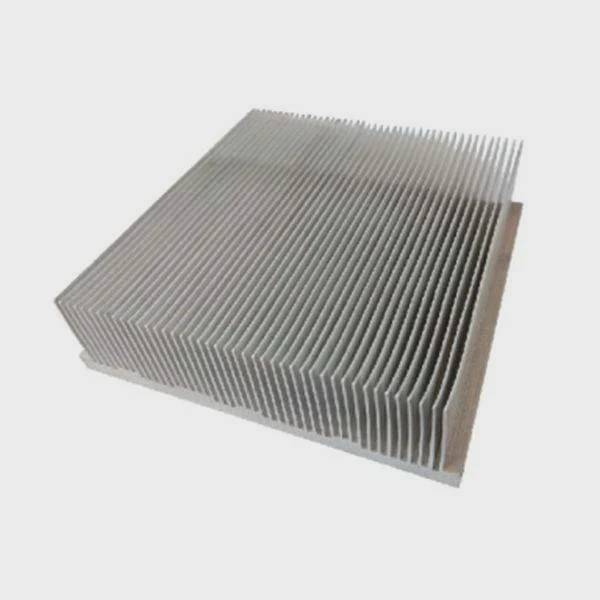
Devices that need heat sinks
- Desktop and laptop computers
- Graphics cards and servers
- Raspberry Pi and single-board computers
- 3D printers and CNC machines
- Power electronics and amplifiers
Benefits for these devices
- Prevents thermal throttling
- Ensures stable operation during extended use
- Protects sensitive electronic components
- Extends the lifespan of hardware
| Device | Critical Components | Heat Sink Necessity |
|---|---|---|
| Computer | CPU, GPU, VRM | Essential |
| Raspberry Pi | CPU, GPU, PMIC | Essential |
| 3D Printer | Hotend, stepper motors | Essential |
| Power electronics | MOSFETs, regulators | Essential |
| Server | CPUs, GPUs, memory modules | Essential |
Proper heat sink usage keeps devices running efficiently, reduces failure rates, and ensures reliable performance under heavy workloads.
Conclusion
Using a heat sink correctly prevents overheating, stabilizes performance, and extends the life of electronic devices. Proper installation, placement, and material choice are key. Heat sinks are essential for CPUs, GPUs, voltage regulators, and high-power electronics.