How to Use Heat Sink Compound?
- Yongxing
- 22 Jun ,2026
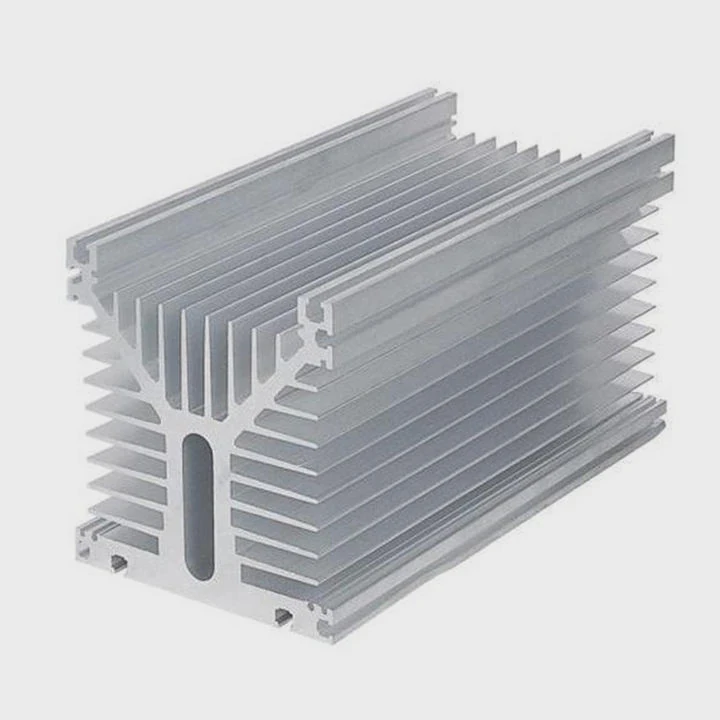
Incorrect application of heat sink compound can cause overheating and poor performance. Learning the right method keeps components cool and efficient.
Heat sink compound improves heat transfer by filling microscopic gaps between the chip and heat sink, allowing heat to move efficiently and lowering operating temperatures.
Even small errors in application can reduce cooling efficiency. Following proper steps ensures safe and effective thermal management.
What amount of compound should be applied?
Applying too much or too little compound affects heat transfer and can lead to overheating.
The correct amount is a thin, pea-sized or rice-grain-sized layer at the center of the chip, enough to spread under the heat sink without overflowing the edges.
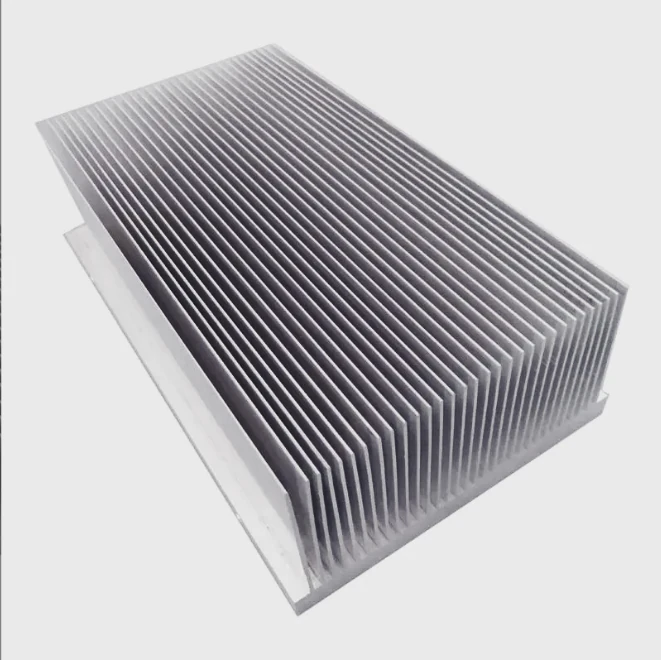
Why Size Matters
Too little compound leaves air pockets, reducing thermal conductivity. Too much spreads beyond the chip, insulating instead of conducting heat.
Application Tips
- Place a small dot in the center of the chip.
- Spread lightly only if necessary.
- Aim for a layer around 0.1-0.2 mm thick.
Example Table: Compound Amount Guide
| Component Size | Recommended Dot Size | Notes |
|---|---|---|
| Small CPU/GPU | Pea-sized | Covers most small chips |
| Medium CPU | Rice-grain-sized | Prevents excess spread |
| Large CPU/GPU | Thin line or spread | Use plastic card if needed |
Correct thickness ensures full contact with the heat sink surface.
Why does compound improve heat transfer?
Even polished chips and heat sinks have tiny surface irregularities. Air trapped in these gaps reduces heat transfer efficiency.
Compound improves heat transfer by filling gaps and microscopic imperfections, increasing surface contact between the heat sink and chip, which allows heat to flow more efficiently.
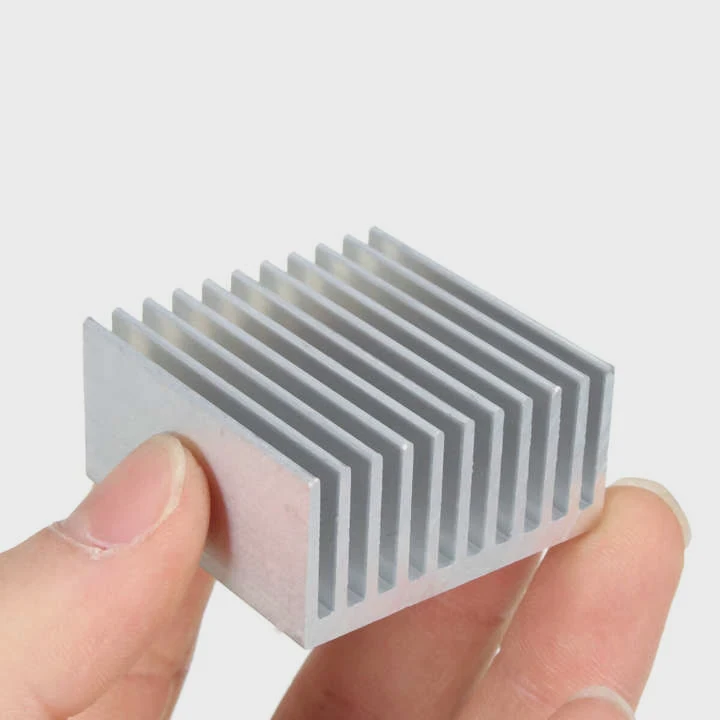
How it Works
- Chips and heat sinks appear flat but have microscopic bumps.
- Air is a poor conductor of heat.
- Compound fills these gaps and conducts heat better than air.
Common Compound Types
- Ceramic-based: Affordable, safe, moderate conductivity.
- Metal-based: High conductivity, riskier if spilled.
- Carbon-based: High performance for gaming and overclocking.
Example Table: Thermal Conductivity of Compounds
| Type | Thermal Conductivity (W/m·K) | Electrical Conductivity | Best Use Case |
|---|---|---|---|
| Ceramic | 1-4 | No | General usage |
| Metal | 8-12 | Yes | High-performance CPUs |
| Carbon | 8-10 | No | Overclocking or gaming |
Choice depends on workload and sensitivity to spills.
Where should compound be placed on components?
Proper placement ensures effective heat transfer between heat sinks and chips.
Compound should be applied on the top surface of CPUs, GPUs, or other heat-generating chips, where the heat sink will make direct contact.
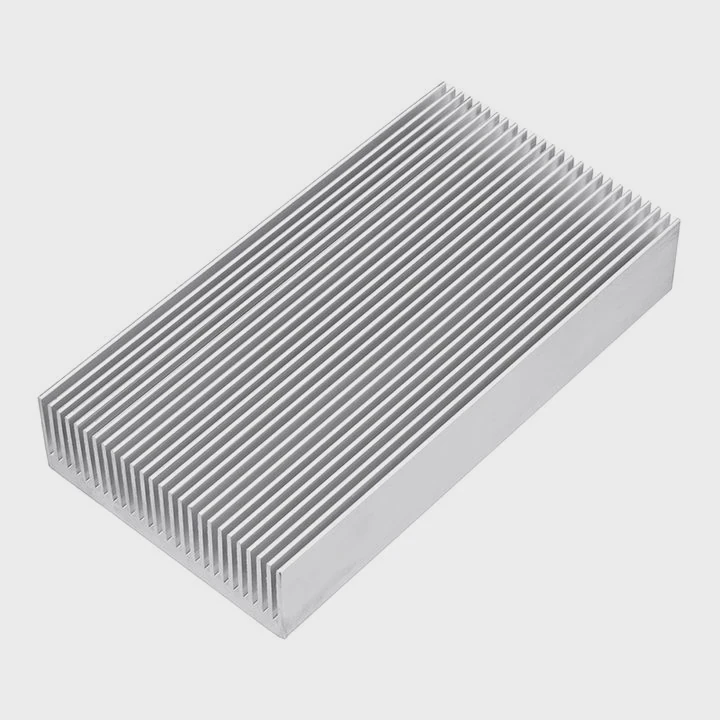
Placement Guidelines
- Center the dot on the chip for small components.
- Spread thinly for larger chips if needed.
- Avoid edges to prevent overflow onto the PCB.
Step-by-Step Application
- Clean both chip and heat sink with isopropyl alcohol.
- Apply a small, central dot of compound.
- Place the heat sink carefully and press slightly.
- Secure the heat sink according to instructions.
Additional Tips
Some users spread the compound with a plastic card. Others let the heat sink pressure spread it naturally. Both methods work if the layer stays thin.
Which mistakes reduce compound efficiency?
Even minor errors can reduce thermal performance and cause higher temperatures.
Common mistakes include using too much or too little compound, failing to clean surfaces, or letting compound spill onto the PCB, all of which reduce heat transfer efficiency.
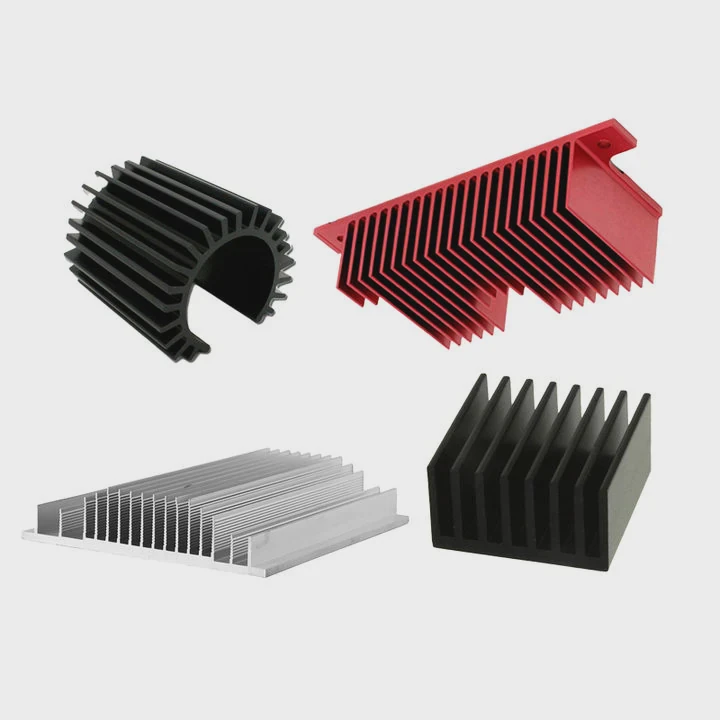
Mistakes to Avoid
- Excess compound: Acts as insulation instead of conduction.
- Insufficient compound: Leaves air pockets.
- Dirty surfaces: Prevents proper adhesion and heat transfer.
- Spillover: Risk of short circuits if using metal-based paste.
Best Practices
- Use minimal, measured amounts.
- Clean surfaces thoroughly.
- Check compound spread after placing heat sink.
- Replace old or dried-out compound before reassembly.
Example Table: Common Errors and Effects
| Error | Effect on Cooling | How to Avoid |
|---|---|---|
| Too much compound | Insulation, higher temps | Use pea-sized or rice-sized amount |
| Too little compound | Air gaps, poor transfer | Apply minimal but adequate dot |
| Dirty surfaces | Uneven spread, weak contact | Clean with alcohol |
| Spilling onto PCB | Electrical risk, wasted paste | Center dot carefully, avoid edges |
Following proper methods ensures maximum heat transfer and consistent performance.
Conclusion
Using heat sink compound correctly is essential. Apply a thin, centered layer, clean surfaces, and avoid common mistakes. Proper application improves heat transfer, maintains cooling efficiency, and protects components under load.