is heat sink required for ssd?
- Yongxing
- 22 Jun ,2026
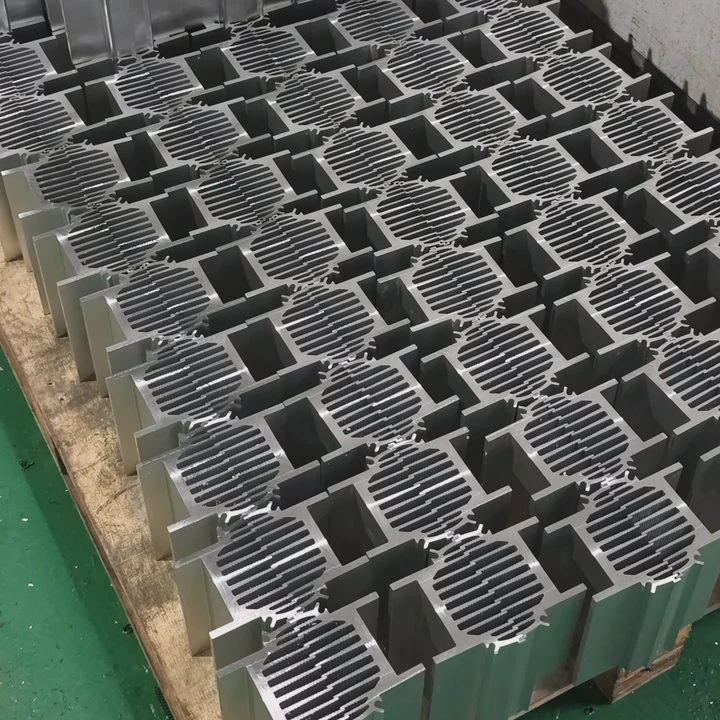
SSDs work fast, but speed comes with heat. High temperatures can silently reduce performance and durability over time.
A heat sink is required for many SSDs because it keeps the controller and NAND chips cool, preventing throttling and extending the drive’s lifespan under heavy use.
Even small temperature changes can significantly impact SSD performance if not properly managed.
How does heat affect SSD speed and lifespan?
Heat is the hidden factor that limits SSD performance. Hot SSDs slow down to protect themselves.
Excess heat reduces SSD speed by triggering thermal throttling and shortens lifespan by accelerating NAND wear. Proper cooling stabilizes speed and improves reliability.
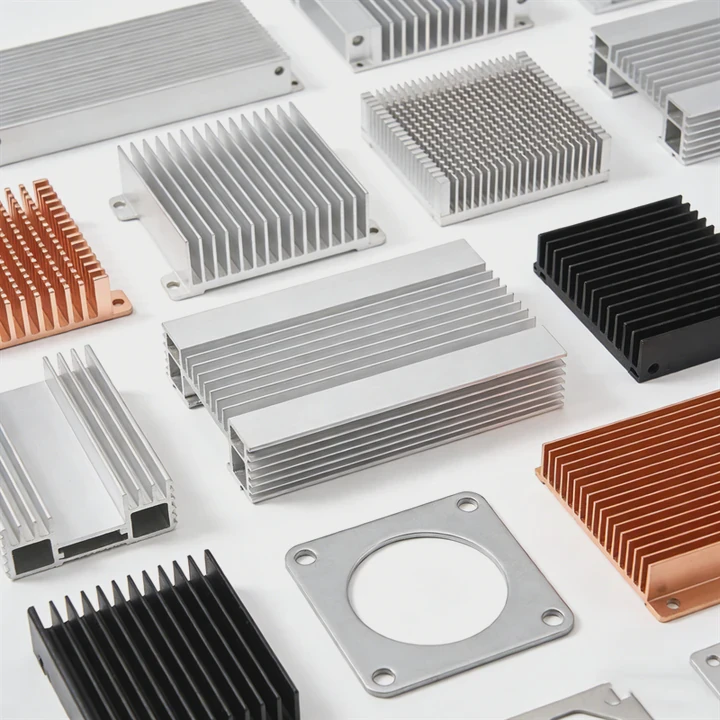
Thermal effects on SSD
Heat impacts two main areas:
- Speed - Controllers slow down to reduce temperature.
- Lifespan - NAND cells degrade faster at high temperatures.
Even a few degrees above optimal operating temperature can cause noticeable throttling.
Heat-related performance issues
- Sudden drop in read/write speeds
- Delayed response in large file transfers
- Temporary freezing in extreme cases
NAND degradation
NAND flash has a limited write cycle. High heat accelerates this wear, shortening the drive’s total life.
| Temperature (°C) | Effect on SSD |
|---|---|
| 30-50 | Optimal operation |
| 50-70 | Possible throttling |
| >70 | Risk of permanent damage |
Controller sensitivity
The SSD controller is more sensitive to heat than NAND. It controls all operations. When hot, it reduces clock speeds to prevent failure.
Real-world insight
During long video rendering sessions, an NVMe SSD without cooling dropped from 3500 MB/s to 1500 MB/s. Adding a small aluminum heat sink stabilized speeds above 3200 MB/s throughout the session.
Why do SSDs throttle under high temperatures?
SSDs throttle to protect their components. It is a self-preservation feature, not a defect.
SSDs throttle under high temperatures because the controller reduces clock speeds to prevent overheating, avoiding damage to the NAND and maintaining safe operation.
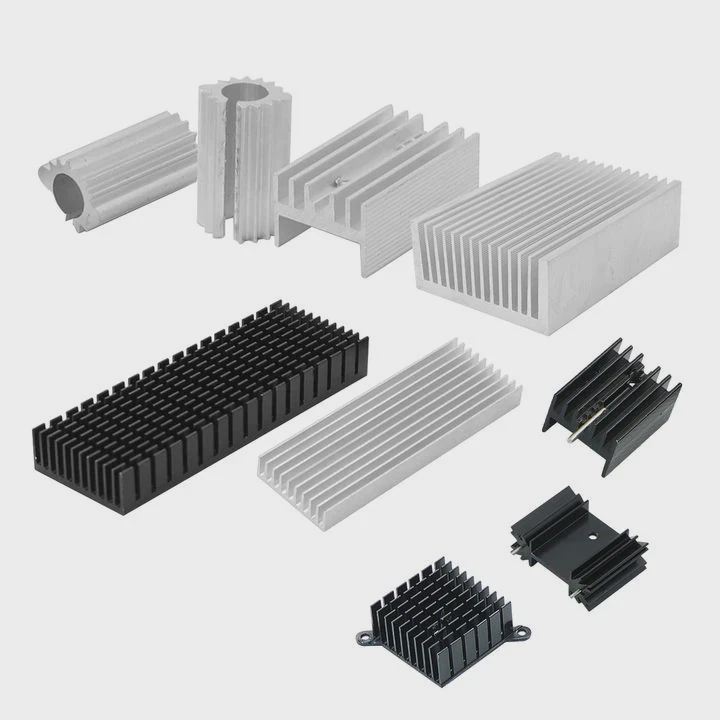
How thermal throttling works
- SSD detects temperature rise
- Controller slows read/write operations
- Heat generation decreases
- Performance recovers once cooled
Factors causing throttling
- Continuous large file transfers
- High-speed gaming or editing
- Poor airflow inside the case
- Compact SSD form factors
Symptoms
- Lower than expected transfer speeds
- System may report “SSD temperature high” warnings
- In extreme cases, drive may pause until cooled
Thermal management
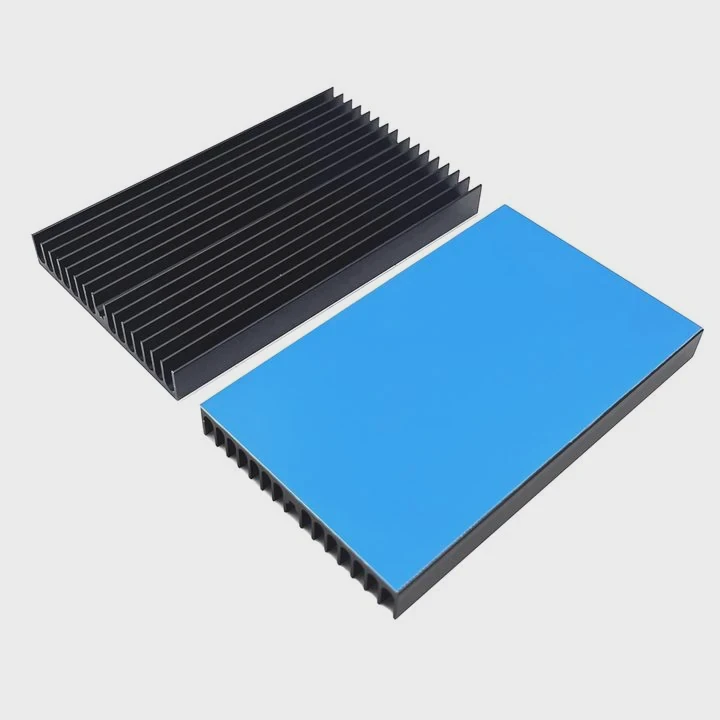
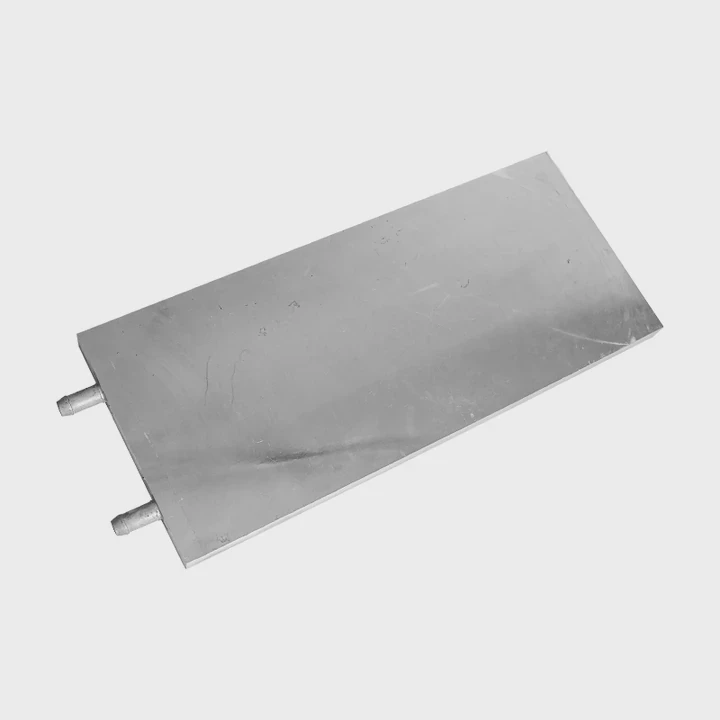
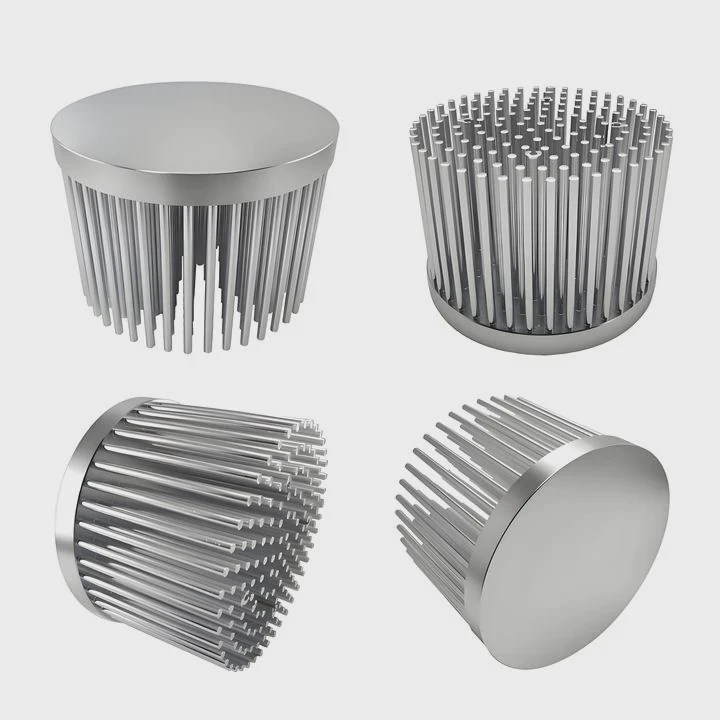
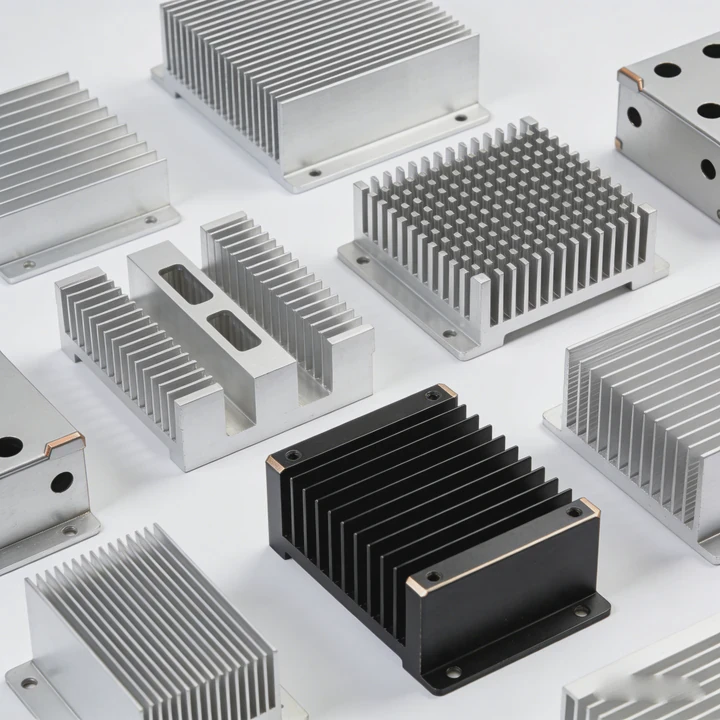
Heat sinks, thermal pads, or motherboard-integrated cooling can prevent throttling. These ensure the drive stays below its thermal threshold during heavy use.
| Cooling Method | Effectiveness | Notes |
|---|---|---|
| Aluminum heat sink | Moderate | Common for M.2 SSDs |
| Copper heat sink | High | Expensive but very effective |
| Thermal pads | Good | Fills air gaps, improves contact |
| Active airflow | High | Fans help remove heat faster |
Practical insight
Even small heat sinks improve performance in compact PCs. They reduce speed drops during intensive operations and protect the drive over its lifetime.
Where is a heat sink mounted on SSD?
Proper placement ensures efficient cooling. Wrong positioning can reduce effectiveness.
A heat sink is mounted directly over the SSD’s controller and NAND chips, using thermal pads or adhesive to maximize heat transfer and prevent thermal throttling.
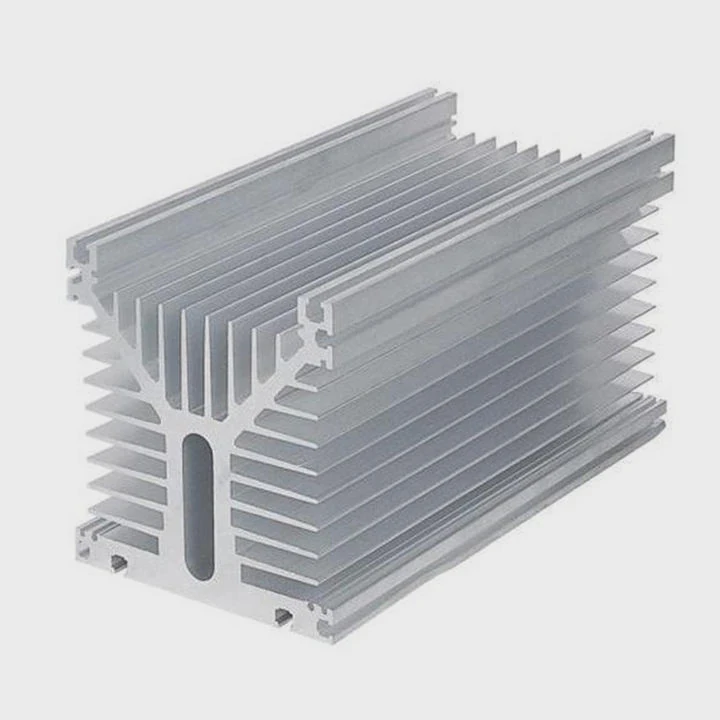
Mounting options
- Full-module coverage - Covers both controller and NAND for best cooling
- Controller-focused coverage - Partial coverage may help performance but leaves NAND hotter
- Motherboard-integrated M.2 heatsink - Convenient and effective for many systems
Thermal interface materials
- Thermal pads - Fill gaps and conduct heat
- Thermal paste - Provides best heat transfer but needs careful application
- Adhesive heat sinks - Easy to apply but may reduce flexibility
Mounting tips
- Ensure flat contact
- Avoid excessive pressure
- Maintain airflow around the SSD
- Keep surfaces clean
Comparison of mounting methods
| Mount Type | Pros | Cons |
|---|---|---|
| Clip-on | Easy installation | Pressure may vary |
| Screw | Strong and stable | Requires tools |
| Adhesive | Simple | Hard to remove, may leave residue |
Real-world note
In a small gaming PC, adding a thin aluminum heat sink over the NVMe SSD stabilized write speeds during extended gaming sessions. Temperatures dropped by 15-20°C.
Which SSD types require heat sinks most?
Not all SSDs benefit equally. High-speed, high-power drives are most sensitive to heat.
NVMe PCIe Gen3 and Gen4 SSDs require heat sinks most, especially during gaming, video editing, or server workloads that involve sustained high-speed transfers.
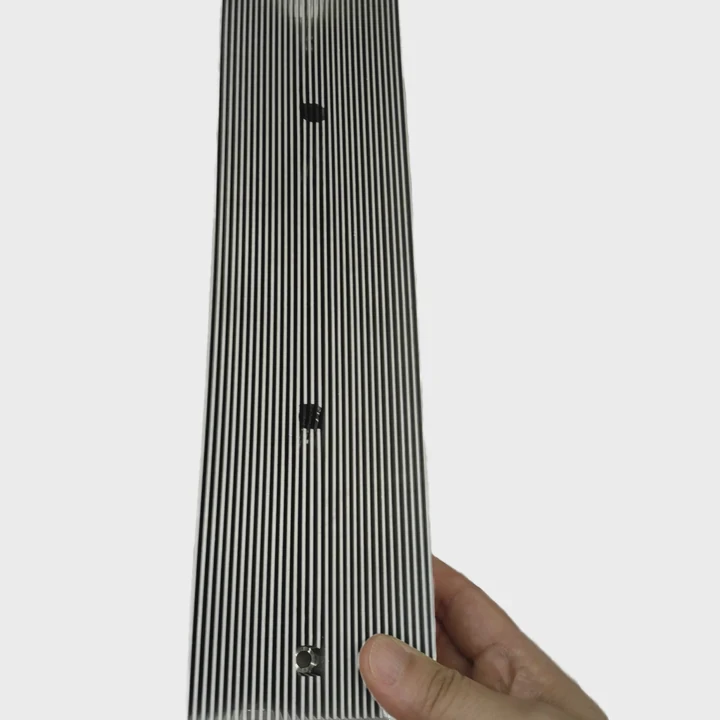
SSD types by heat sensitivity
| SSD Type | Heat Sink Needed? |
|---|---|
| SATA 2.5” | No |
| NVMe Gen3 | Recommended for heavy use |
| NVMe Gen4 | Strongly recommended |
| Enterprise NVMe | Yes, often required |
Typical usage scenarios
- Gaming PCs with long sessions
- Video editing and rendering rigs
- Data center servers with constant loads
Practical advice
Check manufacturer specifications for maximum operating temperatures. If under load temperatures approach 70°C, a heat sink is advisable to maintain performance and longevity.
Cost-benefit analysis
Heat sinks are low cost but prevent speed drops and improve drive lifespan. They are often worth the investment for high-performance systems.
Personal observation
Adding a heat sink to a Gen4 NVMe SSD in a compact desktop PC maintained consistent speed during long video editing sessions, reducing thermal throttling and protecting the drive from overheating.
Conclusion
High-speed SSDs can overheat during sustained use. Heat sinks stabilize speeds, prevent throttling, and extend lifespan. NVMe Gen3/Gen4 and enterprise drives benefit most from proper cooling solutions.