Is Heat Sink Worth It?
- Yongxing
- 23 Jun ,2026
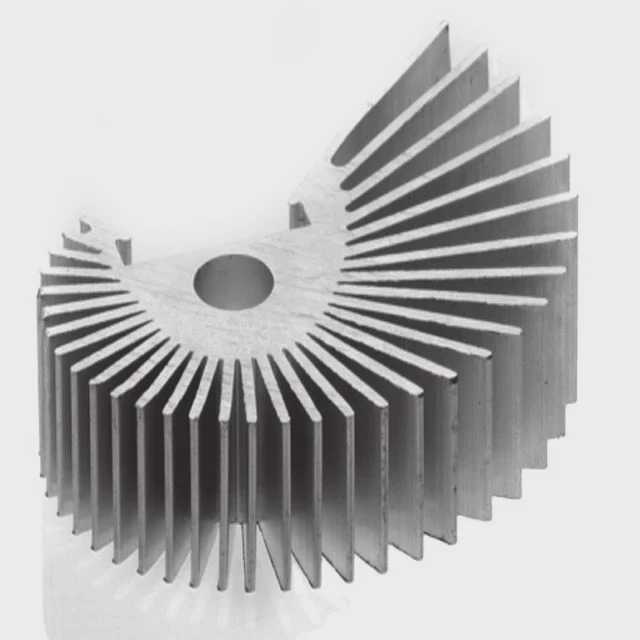
Electronic devices generate heat constantly. Without proper cooling, components degrade faster, causing performance drops and failures.
A heat sink extracts heat from critical components, maintaining safe temperatures and significantly extending device lifespan.
Understanding when and why to use heat sinks helps prevent overheating and improves system reliability.
How does a heat sink improve device longevity?
Devices fail faster at high temperatures. Heat sinks reduce junction and surface temperatures, slowing material degradation and maintaining electrical stability. This extends the life of the device and prevents early failure.
Heat sinks improve longevity by reducing thermal stress, lowering operating temperatures, and keeping performance consistent over time.
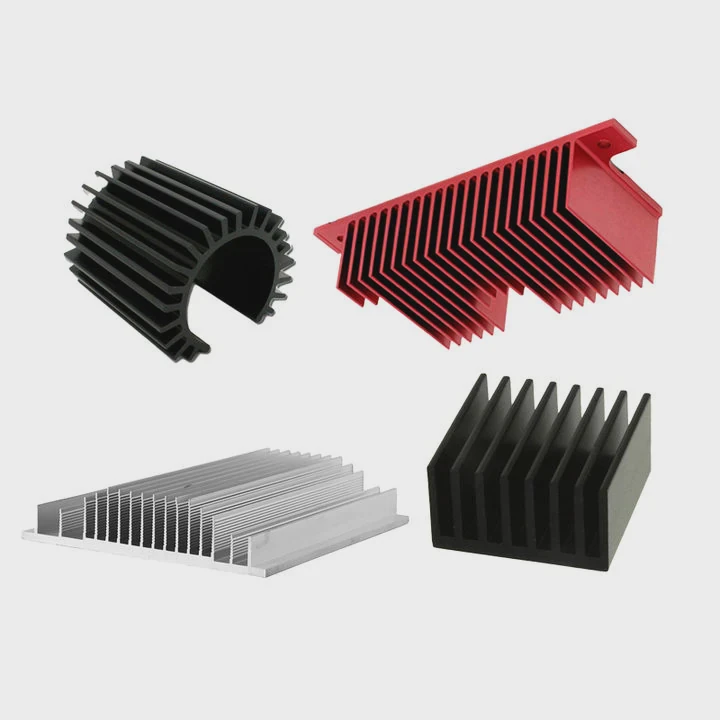
Mechanisms of protection
Heat sinks work by conducting heat away from the component to a larger surface area, where it dissipates into the surrounding air. This prevents overheating that accelerates wear.
Thermal stress and component failure
High temperatures affect semiconductors, capacitors, and resistors differently. Semiconductors like MOSFETs or CPUs experience leakage current increases, while capacitors lose capacitance faster. Reducing temperature improves all these effects.
Example table of temperature vs. lifespan
| Component Type | Max Safe Temp (°C) | Heat Sink Effect |
|---|---|---|
| CPU / GPU | 90 | Lower temp, higher lifespan |
| Power MOSFET | 150 | Reduced drift & failures |
| LED module | 85 | Maintains brightness & life |
Material impact
Aluminum and copper are common heat sink materials. Aluminum is light and cost-effective. Copper has higher thermal conductivity but is heavier. Using proper material ensures heat spreads quickly and keeps the component safe.
Why consider adding a heat sink?
Many devices operate safely without heat sinks under light loads, but high-performance electronics generate enough heat to require cooling. Adding a heat sink can prevent thermal throttling and unexpected failures.
Adding a heat sink is considered when a device regularly approaches temperature limits, ensuring performance and reliability.
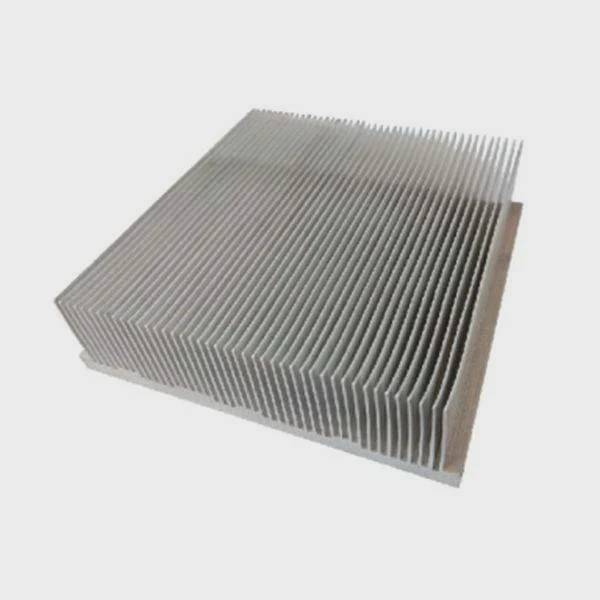
Performance consistency
High-speed CPUs, GPUs, or power devices can slow down if temperatures rise. Heat sinks keep temperatures stable, maintaining peak performance without throttling.
Cost vs. benefit
Heat sinks add some cost and space, but they prevent failures and downtime, which is usually more expensive. For high-power devices, the ROI is clear.
Heat dissipation methods
- Passive heat sinks rely on natural convection.
- Active cooling adds fans or liquid systems for faster heat removal.
- Hybrid combines both for extreme workloads.
Impact table
| Device Type | Risk Without Heat Sink | Heat Sink Benefit |
|---|---|---|
| Gaming CPU | Thermal throttling | Sustained full speed |
| Power supply MOSFET | Overheating / failure | Stable operation |
| LED array | Reduced brightness | Longer life |
Where does a heat sink provide most value?
Heat sinks are most effective for components that generate high heat and have small surface areas. CPUs, GPUs, power transistors, and LED modules often benefit the most.
Heat sinks provide value where components run hot under sustained load and where overheating can reduce performance or lifespan.
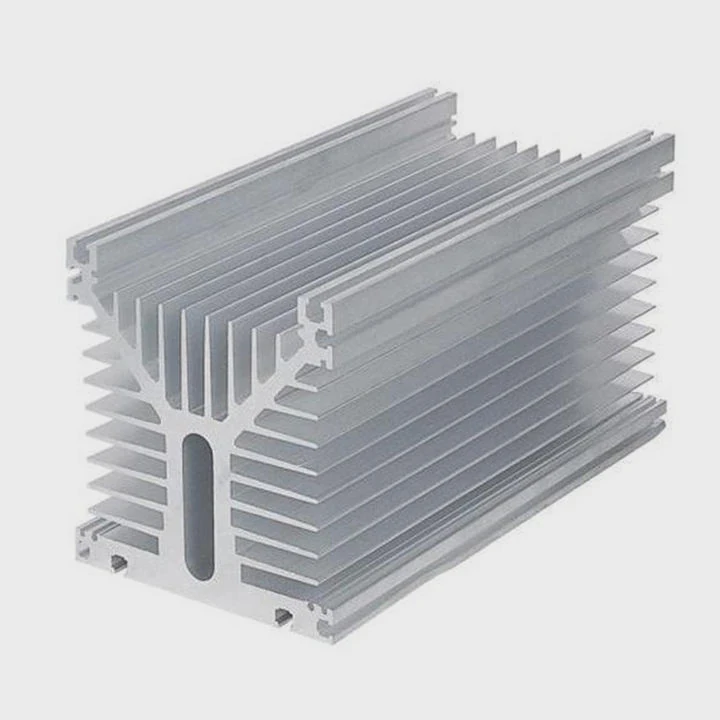
Critical areas for cooling
- High-power semiconductors - MOSFETs, IGBTs, voltage regulators.
- Processors - CPUs and GPUs in PCs and servers.
- LED lighting - High-density arrays prone to heat buildup.
System-level heat management
Heat sinks work best when combined with airflow. Case fans, vents, and thermal pads improve efficiency. A well-placed heat sink prevents hotspots and distributes heat evenly.
Example table
| Component | Surface Area | Heat Sink Impact |
|---|---|---|
| CPU | Small | Major |
| GPU | Moderate | High |
| M.2 SSD | Very small | Moderate |
| Power LED array | Small | Significant |
Design considerations
Even with heat sinks, spacing and airflow matter. Placing heat sinks too close to other hot components can reduce effectiveness. Proper thermal interface materials ensure good contact and transfer.
Which scenarios justify using heat sinks?
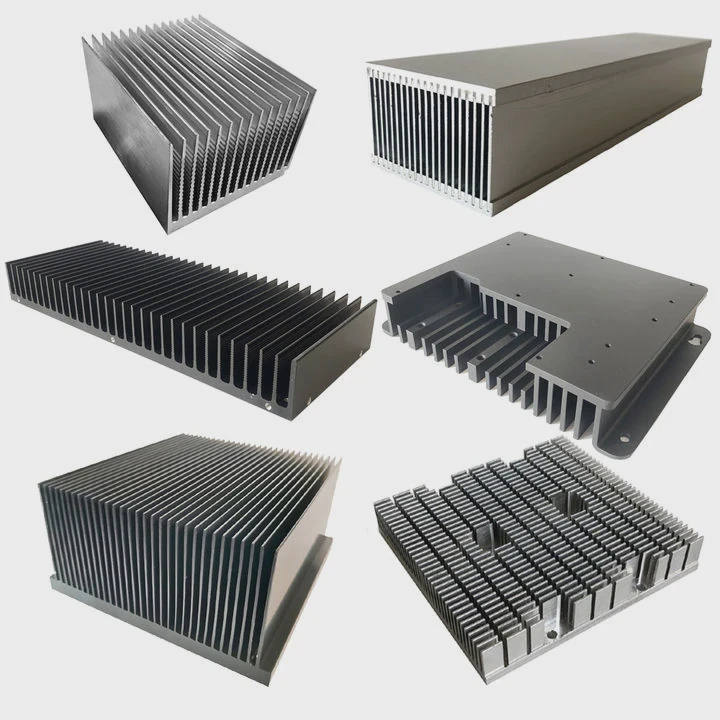
Heat sinks are justified when devices operate near their thermal limits or in demanding environments. They prevent thermal throttling, extend component life, and reduce failure risk.
Scenarios include high-performance computing, power electronics, LED lighting, and densely packed systems with limited airflow.
High-demand applications
- Gaming and workstation PCs - Continuous CPU/GPU load.
- Power converters - MOSFETs and IGBTs handling large currents.
- Server environments - Multiple high-power components in close proximity.
- Industrial equipment - Harsh ambient temperatures with sustained operation.
When heat sinks are optional
Devices used lightly or sporadically, like basic laptops or small office electronics, usually do not need additional heat sinks. Cost and space may outweigh benefits.
Example decision table
| Device / Scenario | Heat Sink Needed? | Notes |
|---|---|---|
| Low-power laptop CPU | No | Light workloads keep temperature low |
| Gaming GPU | Yes | Heavy load, prevents throttling |
| Industrial motor driver MOSFET | Yes | Sustained high current, critical cooling |
| LED street lighting array | Yes | High power density, extends lifespan |
Extra considerations
- Ambient temperature: Hot environments increase the need for heat sinks.
- Component spacing: Crowded PCBs benefit more from added heat sinks.
- Long-term reliability: Heat sinks reduce maintenance and replacement costs.
Conclusion
Heat sinks are worth it when components run hot or under sustained load. They improve performance, prevent throttling, and extend lifespan. High-performance electronics, dense systems, and industrial devices especially benefit from proper heat sinking.