Which Heat Sinks Are Suitable for Computer Cooling?
- Yongxing
- 10 Jul ,2026
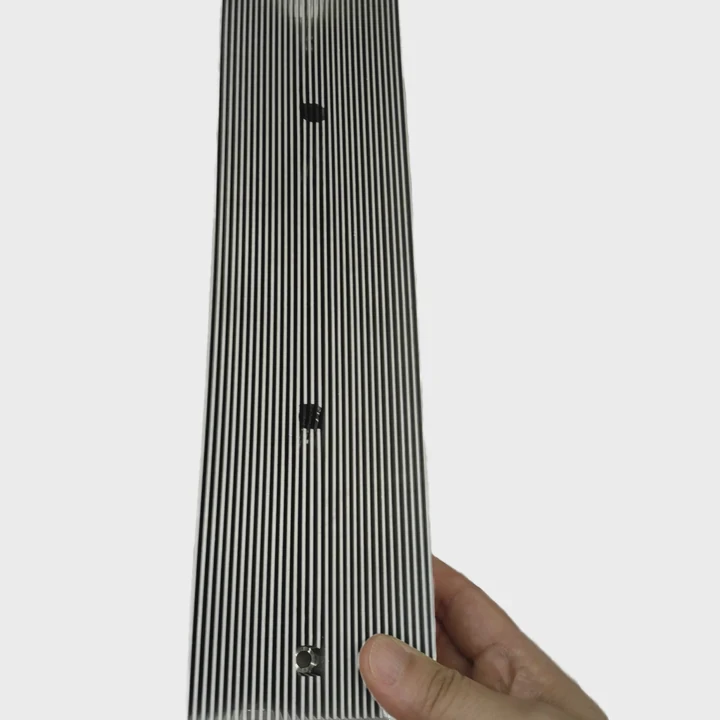
Computer systems generate more heat than many users expect. Poor cooling can reduce performance, shorten component life, and cause unexpected shutdowns. Many buyers struggle to choose the right heat sink because different computers have very different thermal needs.
The best heat sink for computer cooling depends on power consumption, airflow conditions, component layout, and thermal load. Gaming PCs, servers, and liquid-cooled systems often require different heat sink structures to achieve stable and efficient cooling performance.
A heat sink is not simply a metal block attached to a processor. It is a critical part of the entire thermal management system. The right design affects system stability, energy efficiency, maintenance costs, and long-term reliability. Understanding how different computer environments handle heat makes it much easier to select the most suitable cooling solution.
Do Gaming PCs Require Special Designs?
Many gaming PCs operate under heavy loads for long periods. Modern CPUs and GPUs can produce significant amounts of heat during gaming, streaming, rendering, and content creation. Standard cooling solutions may not always maintain optimal temperatures when hardware is pushed to its limits.
Yes, gaming PCs often benefit from specialized heat sink designs. Larger surface areas, optimized fin structures, heat pipes, vapor chambers, and improved airflow paths help manage the higher thermal loads generated by modern gaming hardware.
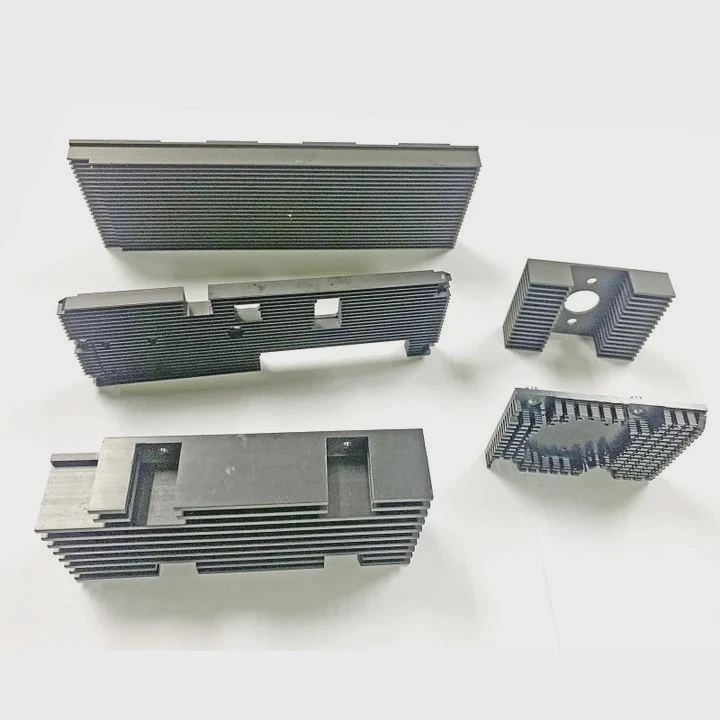
Gaming systems differ from office computers because they frequently operate near maximum performance. Heat output can rise quickly when demanding games use both the processor and graphics card.
Why Gaming PCs Generate More Heat
Several factors increase thermal demand:
| Component | Typical Office Load | Typical Gaming Load |
|---|---|---|
| CPU | Low to Medium | High |
| GPU | Low | Very High |
| Memory | Moderate | High |
| Power Supply | Moderate | High |
| System Airflow Demand | Low | High |
The graphics card is often the largest heat source inside a gaming computer. High-end GPUs can generate hundreds of watts of thermal energy during intensive gaming sessions.
Importance of Heat Pipe Technology
Many gaming heat sinks use heat pipes. These sealed tubes transfer heat from the processor to larger fin arrays.
Benefits include:
- Faster heat distribution
- Lower thermal resistance
- Improved temperature stability
- Better performance during peak loads
Some advanced gaming coolers also use vapor chamber technology. This design spreads heat more evenly across the cooling surface.
Airflow Matters as Much as Heat Sink Size
A large heat sink alone does not guarantee good cooling.
Several years ago, a customer developing gaming systems found that CPU temperatures remained high despite upgrading to a larger cooler. Testing showed that poor case airflow prevented hot air from leaving the enclosure. After redesigning the airflow path and adjusting fan placement, temperatures dropped significantly.
Good gaming cooling design combines:
- Efficient heat sink geometry
- Proper fan positioning
- Clear intake and exhaust paths
- Balanced airflow pressure
Common Gaming Heat Sink Features
Gaming-oriented heat sinks often include:
- Tall aluminum fin stacks
- Copper heat pipes
- Direct-contact base plates
- Vapor chamber integration
- Dual-fan support
- High-density fin arrangements
These features allow the cooling system to handle rapid temperature spikes while maintaining stable processor performance.
Can Server Racks Use High-Capacity Heat Sinks?
Server environments face very different cooling challenges. Unlike gaming systems, servers often run continuously around the clock. Reliability becomes more important than appearance, and thermal management must support dense hardware installations.
Server racks can use high-capacity heat sinks, but the design must match rack airflow patterns, power density, and maintenance requirements. Large thermal solutions are commonly used in enterprise and data center environments.
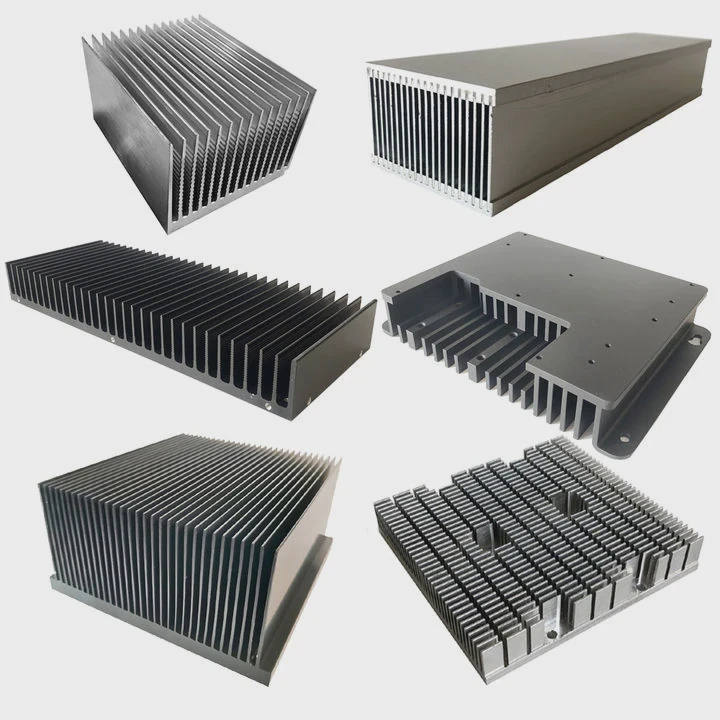
Server hardware generates substantial heat because many processors operate simultaneously within a compact space.
Unique Challenges Inside Server Racks
A typical server room contains:
- Multiple racks
- High-density processors
- Networking equipment
- Storage systems
- Continuous workloads
Each device contributes additional heat to the environment.
Heat Sink Requirements for Servers
Server heat sinks differ from desktop versions.
Key requirements include:
| Requirement | Importance |
|---|---|
| Low thermal resistance | Critical |
| High reliability | Critical |
| Compact footprint | High |
| Airflow compatibility | Critical |
| Easy maintenance | High |
| Long service life | Critical |
Server manufacturers often select heat sinks based on airflow generated by rack-mounted fans rather than standalone cooling performance.
Airflow Direction Is Critical
Most server racks use front-to-back airflow.
Because of this, heat sinks must align with airflow direction. Fin orientation becomes extremely important.
When fins are aligned correctly:
- Air moves efficiently
- Pressure drop decreases
- Cooling improves
- Fan power consumption falls
Poor alignment can create airflow restrictions that reduce overall rack efficiency.
High-Power Processors Need Advanced Solutions
Many modern server CPUs exceed 300 watts of thermal output.
To manage these loads, manufacturers may use:
Large Extruded Heat Sinks
These provide extensive surface area while remaining cost-effective.
Skived Fin Heat Sinks
Skived fins create dense cooling surfaces without excessive weight.
Vapor Chamber Assemblies
These improve heat spreading across large processor packages.
Hybrid Cooling Modules
Some combine heat sinks with liquid cooling elements.
Reliability Is More Important Than Peak Performance
In gaming systems, users may accept occasional temperature spikes.
Server operators cannot.
A small temperature increase repeated thousands of times can shorten hardware life and increase maintenance costs. This is why enterprise cooling designs focus heavily on consistency and long-term stability rather than only achieving the lowest possible temperature.
Are Liquid-Cooled Options Compatible?
As processor power increases, many users consider liquid cooling systems. Some assume that liquid cooling eliminates the need for heat sinks entirely. In reality, heat sinks remain a key part of the cooling process.
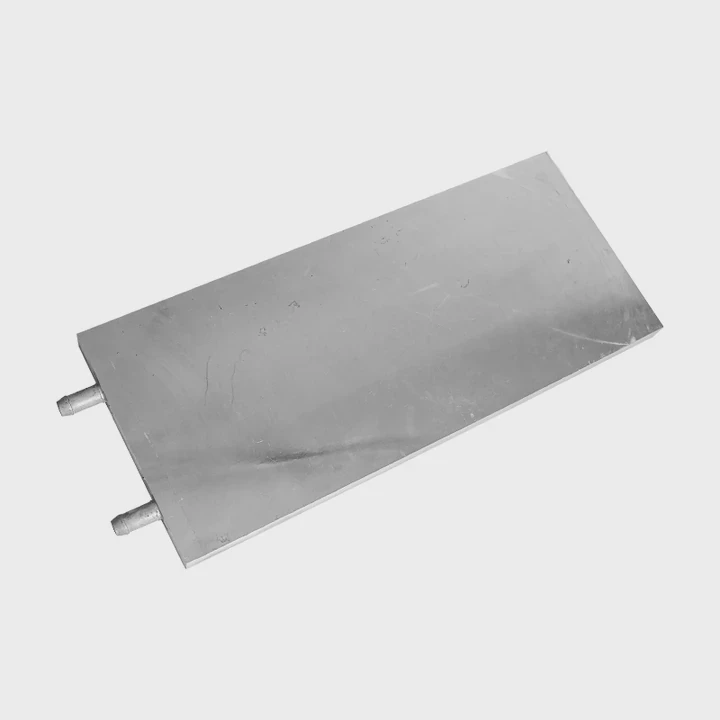
Liquid-cooled systems are highly compatible with heat sink technology. Most liquid cooling solutions still rely on heat transfer surfaces, cold plates, radiators, and thermal management components that function similarly to advanced heat sinks.
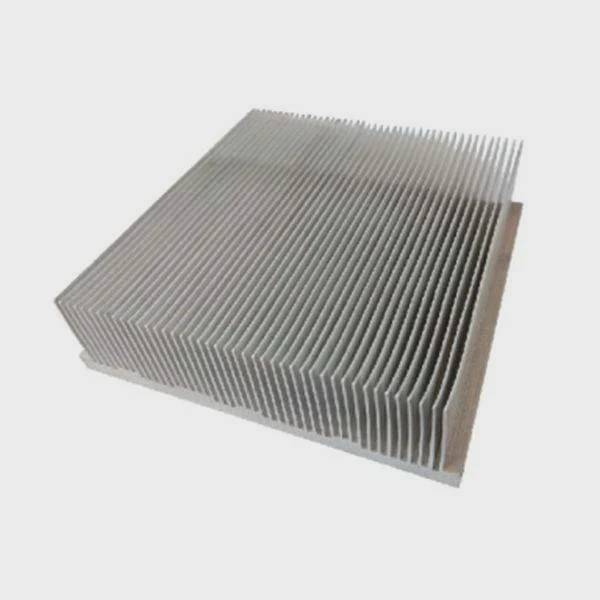
Liquid cooling has become increasingly common in gaming computers, workstations, AI servers, and high-performance computing systems.
How Liquid Cooling Works
The process follows several steps:
- Heat leaves the processor.
- A cold plate absorbs the heat.
- Coolant transports thermal energy.
- The radiator releases heat.
- Fans remove heat from the radiator.
Every stage depends on efficient thermal transfer.
Heat Sinks Still Exist in Liquid Systems
Many people overlook this fact.
A radiator is essentially a specialized heat sink that uses liquid transport to move heat away from the source.
The radiator contains:
- Aluminum fins
- Copper tubes
- Heat exchange surfaces
- Airflow channels
These features closely resemble traditional heat sink principles.
Advantages of Liquid Cooling
Liquid cooling offers several benefits:
| Advantage | Benefit |
|---|---|
| Higher heat capacity | Handles large thermal loads |
| Reduced hotspot formation | More uniform temperatures |
| Flexible layout | Better space utilization |
| Lower processor temperatures | Improved stability |
| Better scalability | Supports future upgrades |
These benefits become increasingly valuable as processor power rises.
Compatibility with Modern Heat Sink Technologies
Many advanced cooling systems combine multiple technologies.
Examples include:
- Vapor chamber cold plates
- Liquid-cooled cold plates
- Aluminum radiator assemblies
- Copper microchannel structures
- Phase-change thermal modules
This combination allows heat to move efficiently from the processor to the surrounding environment.
When Liquid Cooling Makes Sense
Liquid cooling is especially useful when:
- Thermal loads exceed air-cooling limits
- Space constraints restrict airflow
- Noise reduction is important
- Rack density is very high
- Continuous heavy workloads exist
For many mainstream computers, a well-designed air-cooled heat sink remains sufficient. For higher power applications, liquid cooling provides additional thermal headroom and improved system stability.
Which Fan Configurations Improve Performance?
Even the best heat sink cannot perform well without proper airflow. Fan configuration often determines whether a cooling system reaches its full potential.
The most effective fan configurations balance airflow volume, static pressure, intake placement, and exhaust efficiency. Push-pull arrangements and optimized case airflow frequently improve heat sink performance significantly.
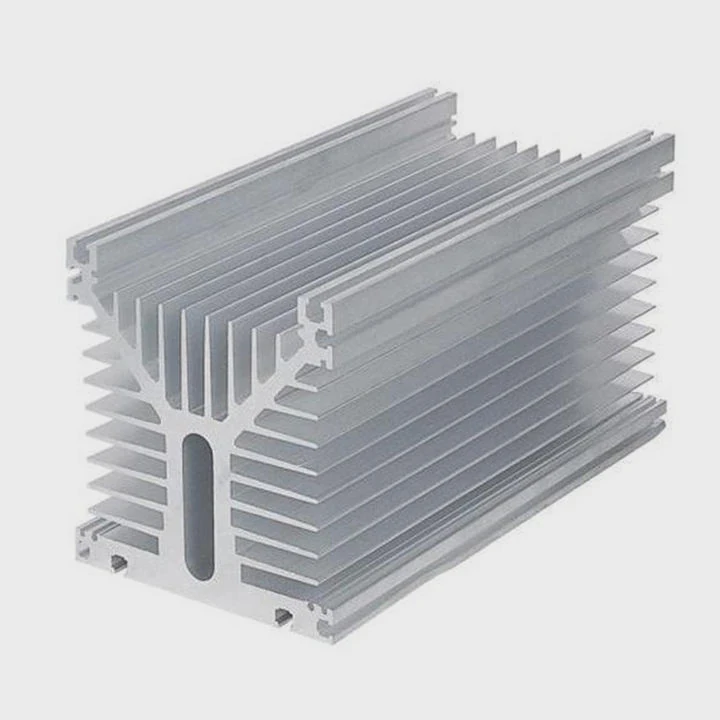
Many cooling problems originate from airflow issues rather than insufficient heat sink capacity.
Understanding Airflow Basics
A fan’s job is simple:
- Deliver cool air
- Remove hot air
- Maintain consistent circulation
When airflow becomes restricted, temperatures rise rapidly.
Common Fan Configurations
Single-Fan Configuration
This design uses one fan attached to the heat sink.
Advantages:
- Lower cost
- Simple installation
- Reduced power consumption
Suitable for:
- Office computers
- Entry-level gaming systems
- Compact workstations
Dual-Fan Push Configuration
Two fans work together to increase airflow.
Benefits include:
- Greater cooling capacity
- Better heat dissipation
- More consistent temperatures
Push-Pull Configuration
One fan pushes air into the fin stack while another pulls air out.
This arrangement often delivers:
- Improved airflow uniformity
- Lower thermal resistance
- Better performance under heavy loads
Case Airflow Integration
Heat sink performance depends heavily on system airflow.
A balanced layout generally includes:
- Front intake fans
- Rear exhaust fans
- Top exhaust fans when appropriate
This creates a predictable airflow path.
Positive vs Negative Pressure
Positive pressure occurs when intake airflow exceeds exhaust airflow.
Advantages include:
- Reduced dust accumulation
- Cleaner internal components
- More controlled airflow
Negative pressure occurs when exhaust airflow exceeds intake airflow.
Advantages include:
- Faster heat removal
- Strong exhaust flow
Most modern systems benefit from slightly positive pressure.
Fan Selection Factors
Important considerations include:
Static Pressure
High static pressure fans perform better through dense fin structures.
Airflow Volume
Higher airflow moves more heat away from cooling surfaces.
Noise Level
Lower noise improves user comfort.
Reliability
Long-life bearings reduce maintenance requirements.
Balancing the Entire Cooling System
One lesson learned from thermal management projects is that no single component solves every cooling problem.
A powerful fan cannot compensate for poor fin design.
A large heat sink cannot compensate for blocked airflow.
A liquid cooling loop cannot compensate for an undersized radiator.
The best results come when all thermal components work together as one system. Heat sinks, fans, airflow channels, cold plates, and radiators must be designed as an integrated solution rather than independent parts.
Conclusion
Selecting the right heat sink depends on the computer’s workload, power density, and cooling architecture. Gaming PCs, servers, liquid-cooled systems, and airflow configurations each require different thermal strategies. A well-matched heat sink and airflow design delivers better performance, greater reliability, and longer hardware life.